
Lucky Star PhonePe Guide
PhonePe is the fastest way to start your game at Lucky Star. This method allows for instant transactions in INR, so you never have to wait to play your favorite games. You can use the standard PhonePe UPI features or your PhonePe Wallet to add funds to your account balance without any technical delays.
We do not charge any fees for deposits. This ensures that every rupee you send goes directly to your stakes rather than paying for service costs. The payment system works perfectly with our mobile app for a smooth process on any handheld device you use.
Using this method helps you avoid long wait times typical of bank transfers. The integration is direct and highly secure for all Indian users. It is a reliable choice for players who want to manage their money in local currency efficiently. Lucky Star prioritizes these local payment methods to provide the best service for the community.
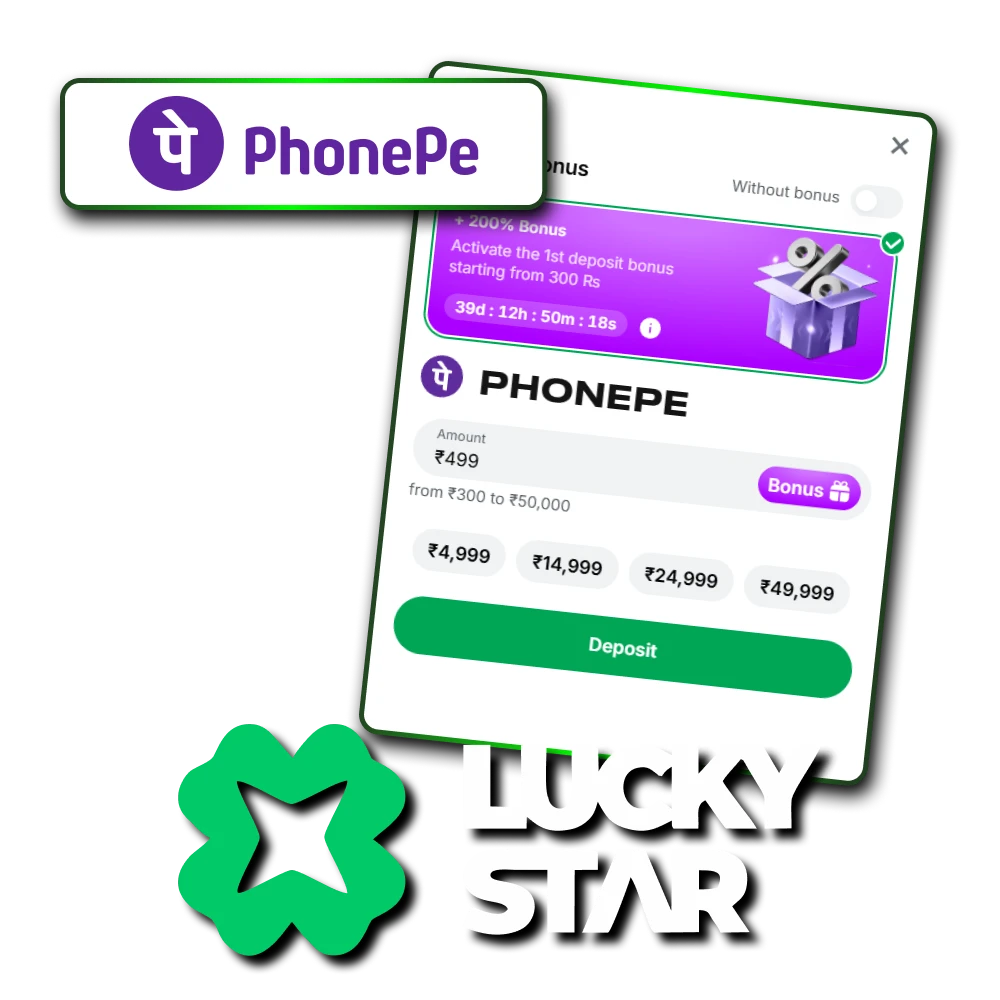
Transaction Limits, Speed and Fees
Before you start, it is helpful to look at the financial rules for using this method at Lucky Star. Knowing these details helps you manage your bankroll and plan your gaming sessions without surprises. The table below covers everything from the minimum amount needed to the time it takes to see your winnings in your bank account.
| Service | Detail |
| Min Deposit | 300 INR |
| Max Deposit | 50,000 INR |
| Deposit Speed | Instant (with UTR) |
| Withdrawal Speed | 1-24 hours |
| Fees | 0% |
Lucky Star ensures that players keep their winnings in full by eliminating any hidden fees or payment processing fees. This transparent approach builds trust and greatly simplifies the financial side of the game.
How to Deposit via PhonePe (Step-by-Step)
Follow these steps exactly as written to avoid any loss of funds or balance errors. Accuracy is vital when you transfer money online because manual mistakes can lead to long recovery times. Take your time with each stage of the process at Lucky Star to ensure your money arrives safely and your account updates immediately.
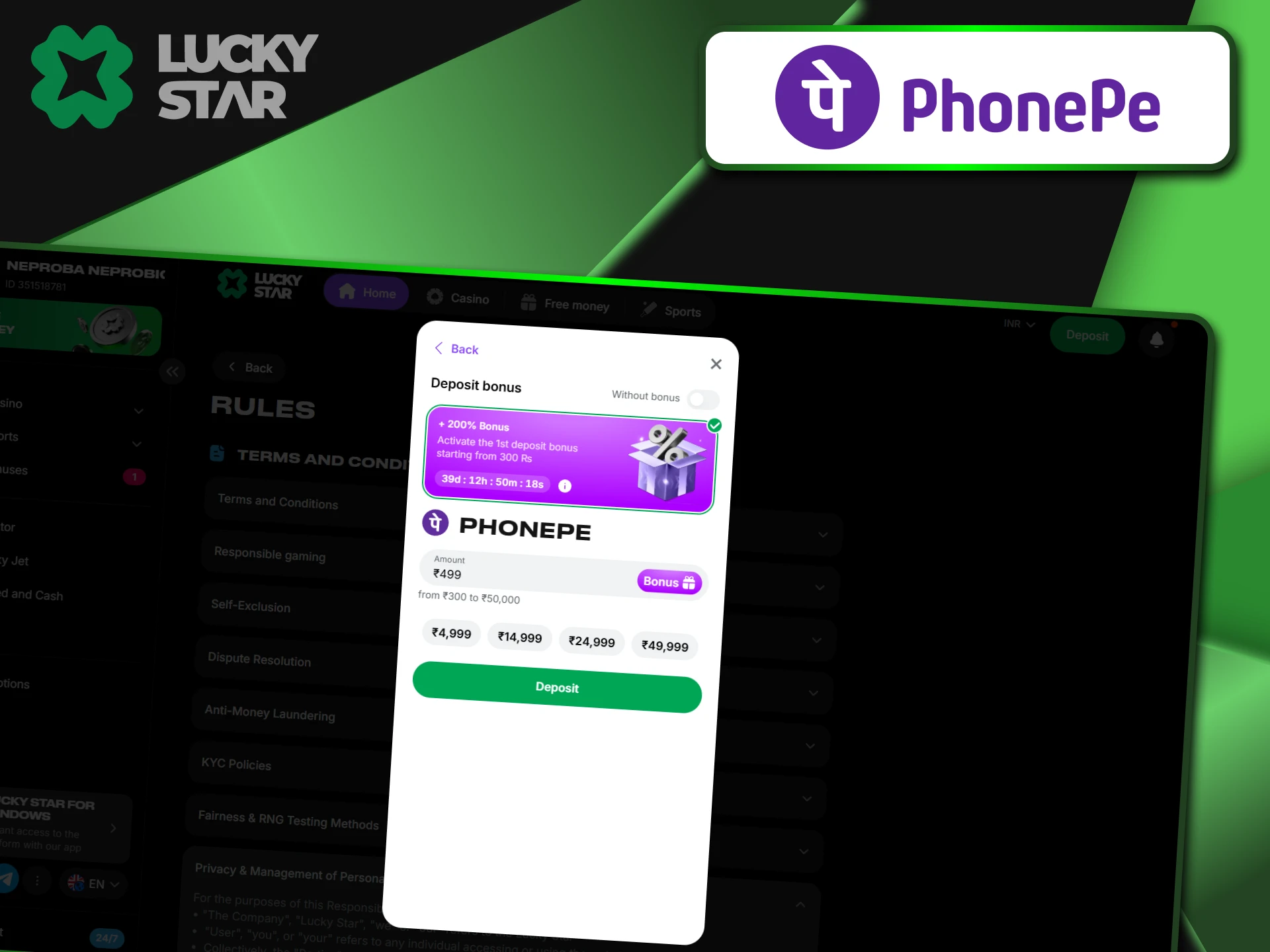
Copying the VPA (UPI ID)
o begin your deposit, you must obtain the correct payment address from the cashier. This ensures your money goes to the right place. Please follow these specific steps within the Lucky Star interface:
- Open the deposit section and select the PhonePe logo.
- Type the exact amount of money you want to add to your balance.
- The system shows a VPA like luckystar@ybl or pagar@axl. Copy this unique ID.
Important: Do not use any old IDs from your transaction history. We change these addresses often to maintain high security. Always copy a fresh ID for every new transfer you make.
Making the Payment in App
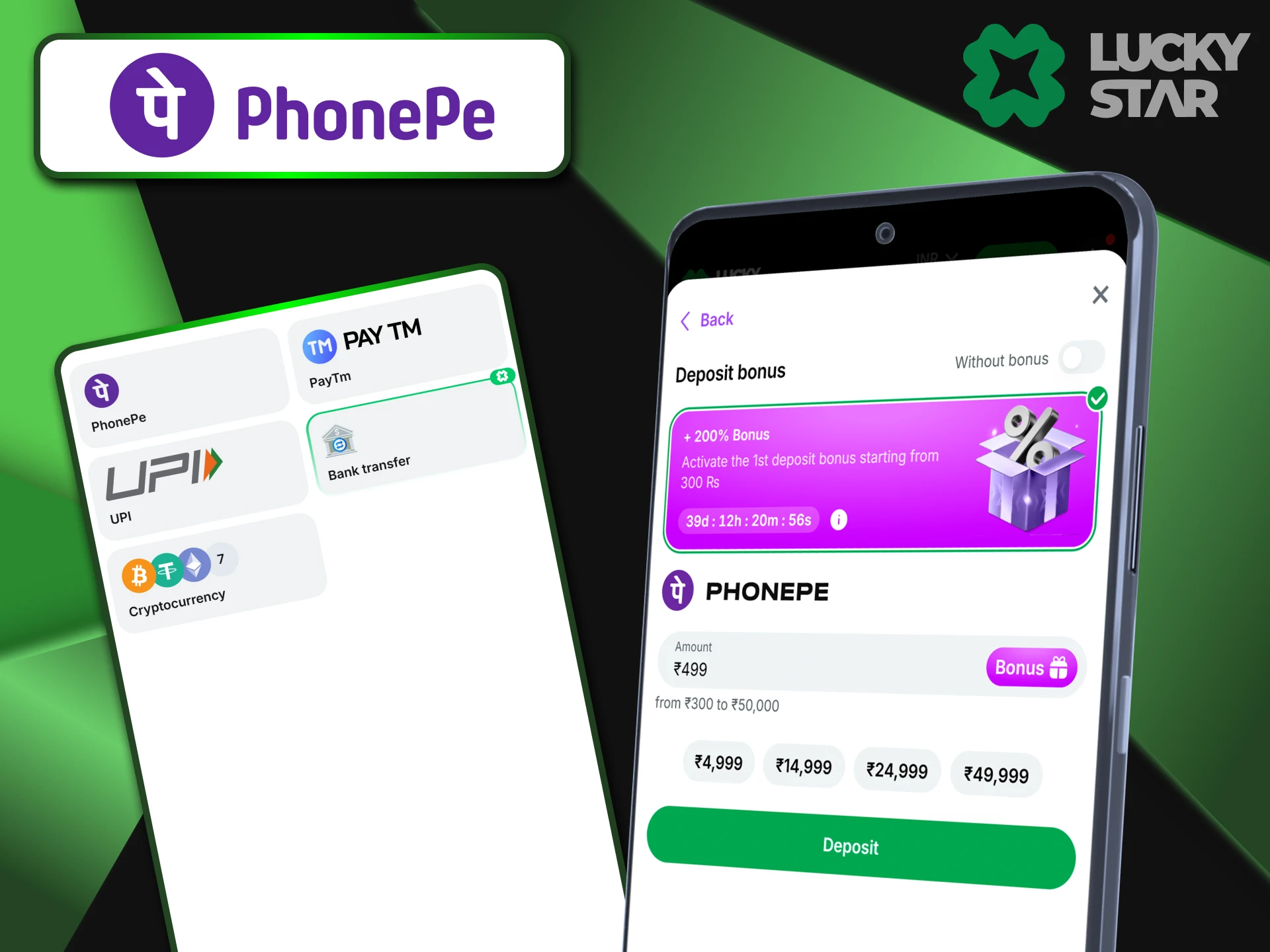
Once you have the VPA, you need to complete the transfer using the official PhonePe application on your smartphone. This part of the process happens outside of Lucky Star but is essential for the funds to move:
- Open your PhonePe app and go to the “To Bank/UPI ID” section.
- Select the “UPI ID” tab and paste the address you got from us.
- Enter the exact amount you typed earlier and complete the payment using your PIN.
The Vital Step: Enter UTR (12 Digits)
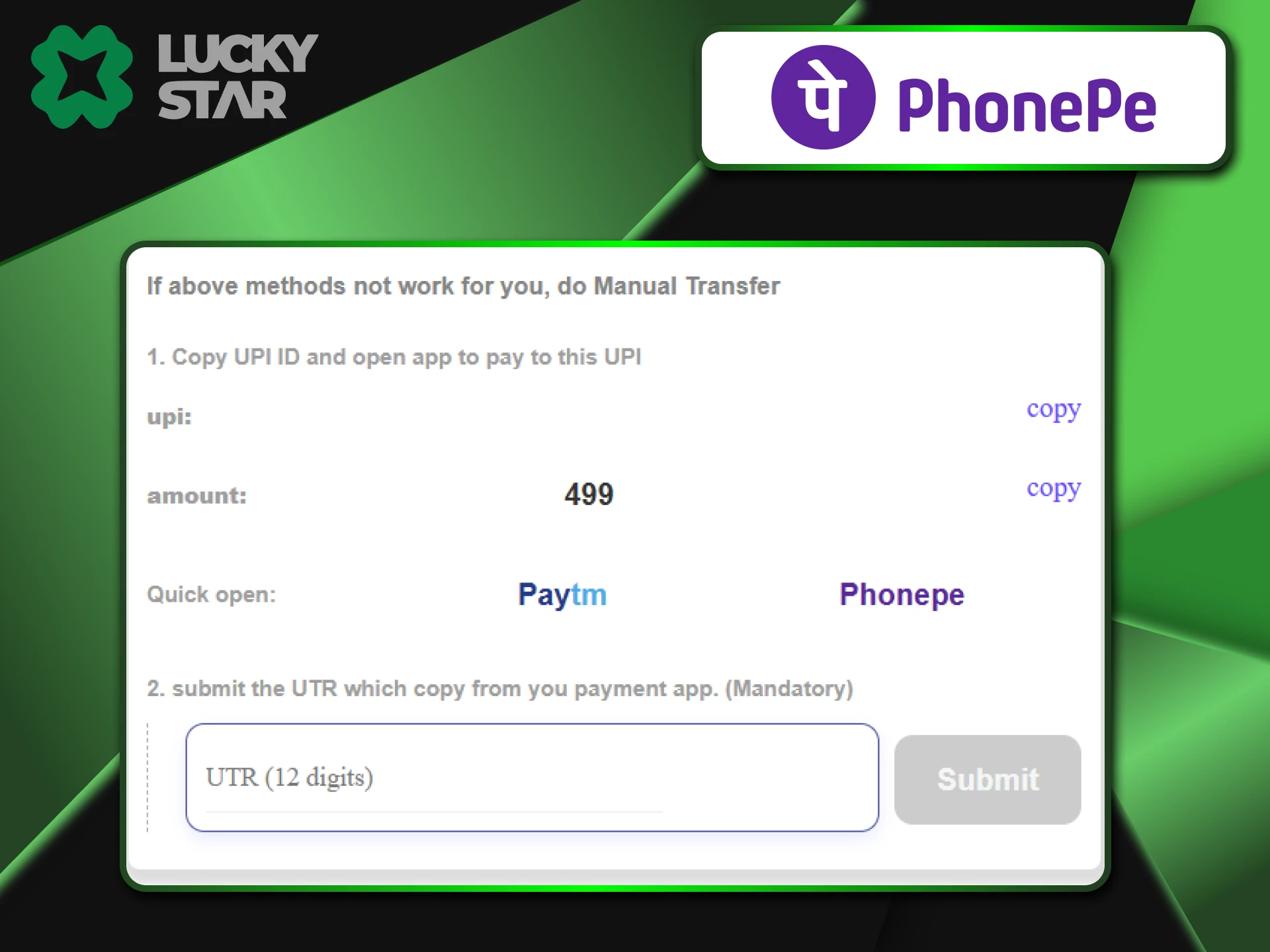
The final part of the process requires your full attention to ensure the money reaches your balance. Many players forget this part, which leads to delays in their funds appearing at Lucky Star. You must manually bridge the gap between your bank and the casino account by providing the transaction proof provided by PhonePe.
- Complete the payment in your PhonePe app.
- Tap the “View Details” button on the transaction receipt.
- Locate the 12-digit UTR Number (this usually starts with a 3, 4, or 5).
- Copy this number and return to our deposit page.
- Paste the code into the confirmation field and submit.
Warning: Please be careful with this step. If you close the page without entering the 12-digit UTR, your money will not arrive in your account automatically. Our system needs this specific code to identify your payment among thousands of others. Always double-check that you copied all 12 digits correctly before you leave the app to avoid any manual balance updates later.
Buying Crypto with PhonePe
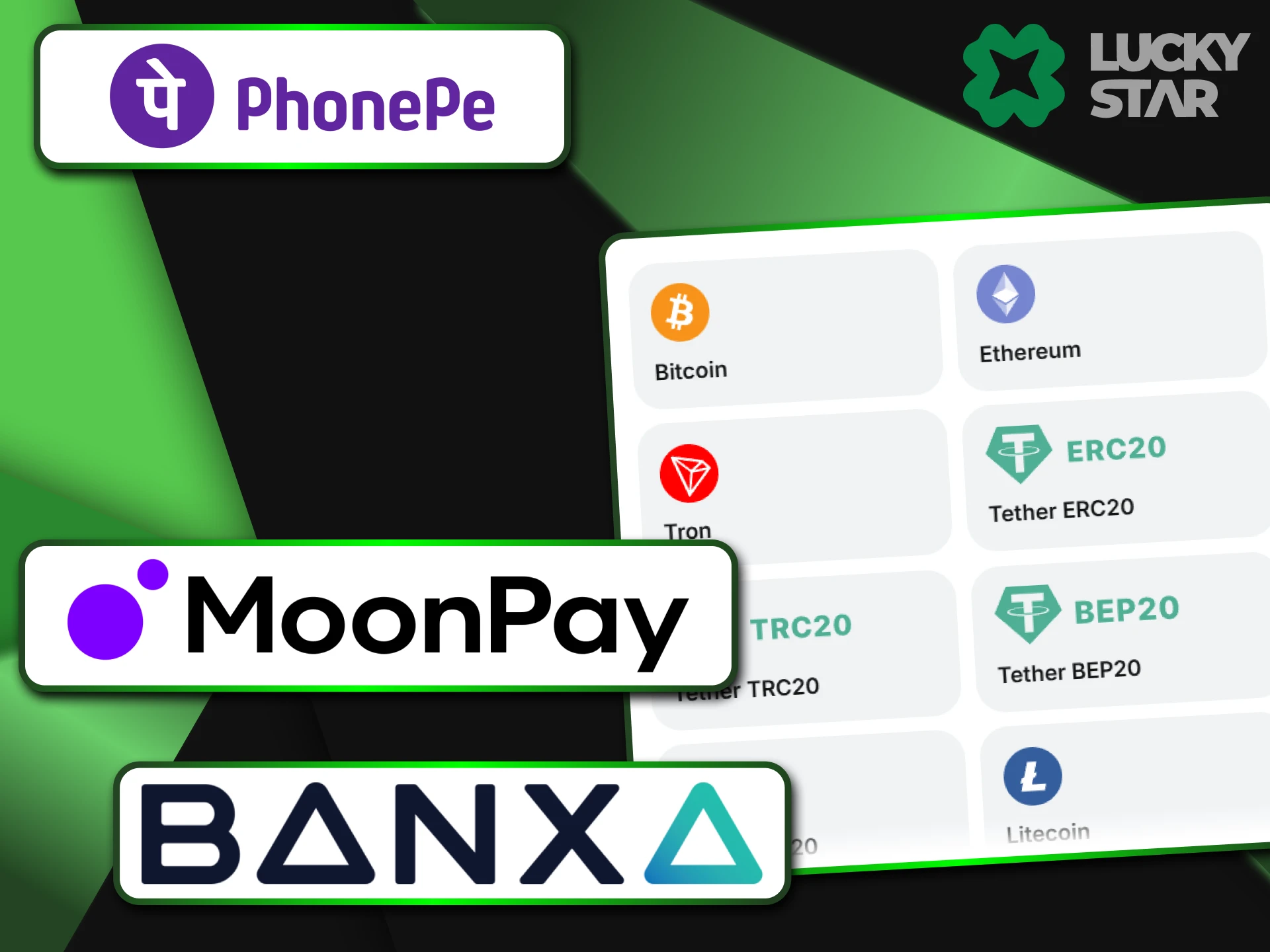
Lucky Star helps you become a crypto player even if you do not own a digital wallet yet. You can buy USDT or BTC via reliable widgets like MoonPay, Banxa, or Onramper directly on the site. You pay for these assets with your PhonePe UPI account, and the equivalent crypto balance arrives in your account. This method gives you extra privacy and allows for even faster withdrawals. It is a great way to use local currency to enter the world of digital assets.
Withdraw Winnings to PhonePe
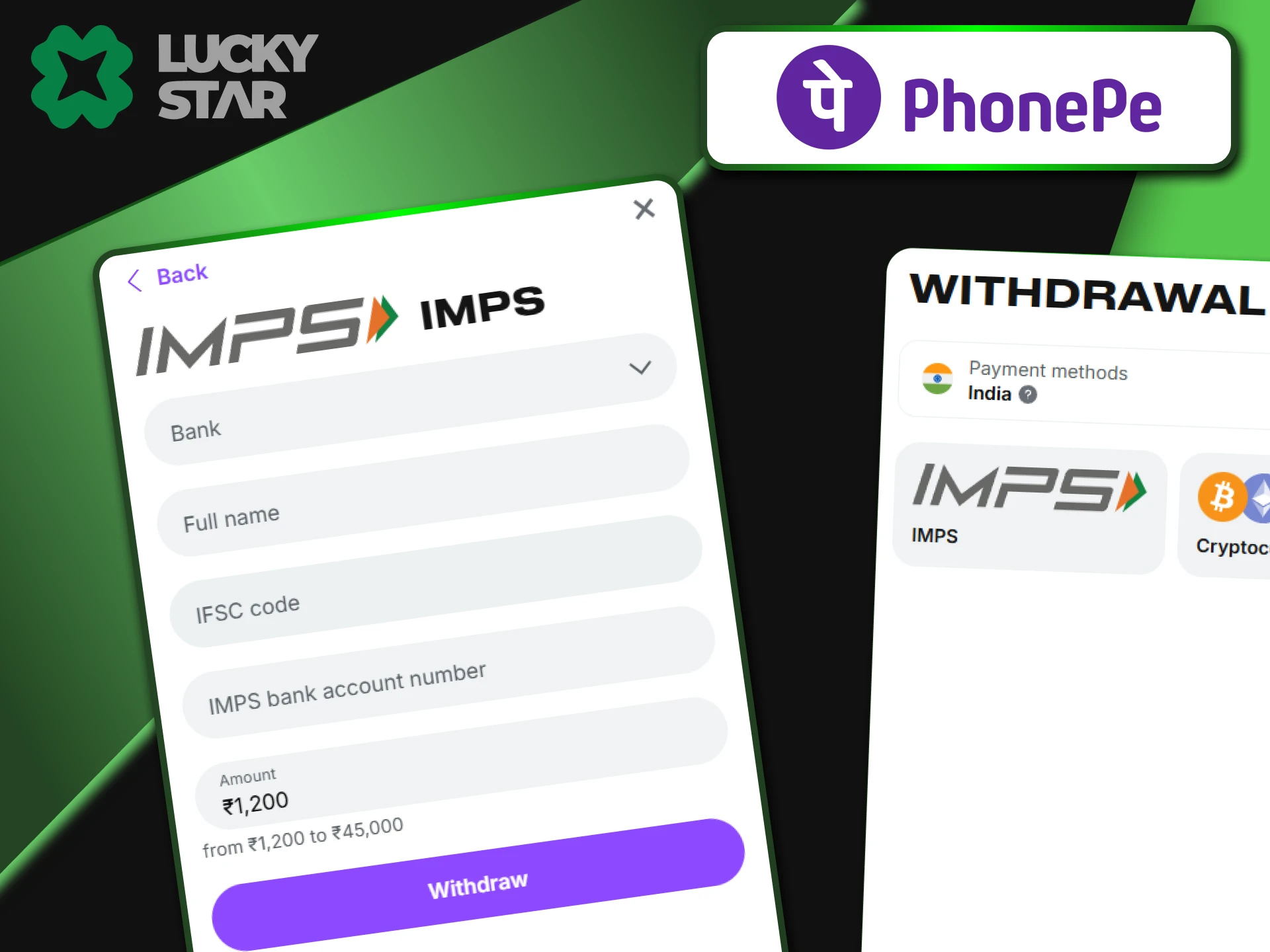
When you win at Lucky Star, you can send the rupees back to your personal account. The process is simple and uses the same UPI system you use for daily shopping. This ensures you get your money quickly and can spend it however you like.
Withdrawal via UPI ID
To get your cash, you need to provide your personal payment details so the finance team knows where to send the funds. Follow these instructions at Lucky Star:
- Enter your personal VPA, such as yourphone@ybl, in the cashout section.
- Double-check that the ID is correct to avoid sending money to someone else.
- Confirm the request and wait for the processing period to end.
The money goes to the bank account linked to your PhonePe. Your name in the profile must match your bank records exactly. This prevents fraud and ensures the money reaches the right person without legal issues.
Verification Requirements
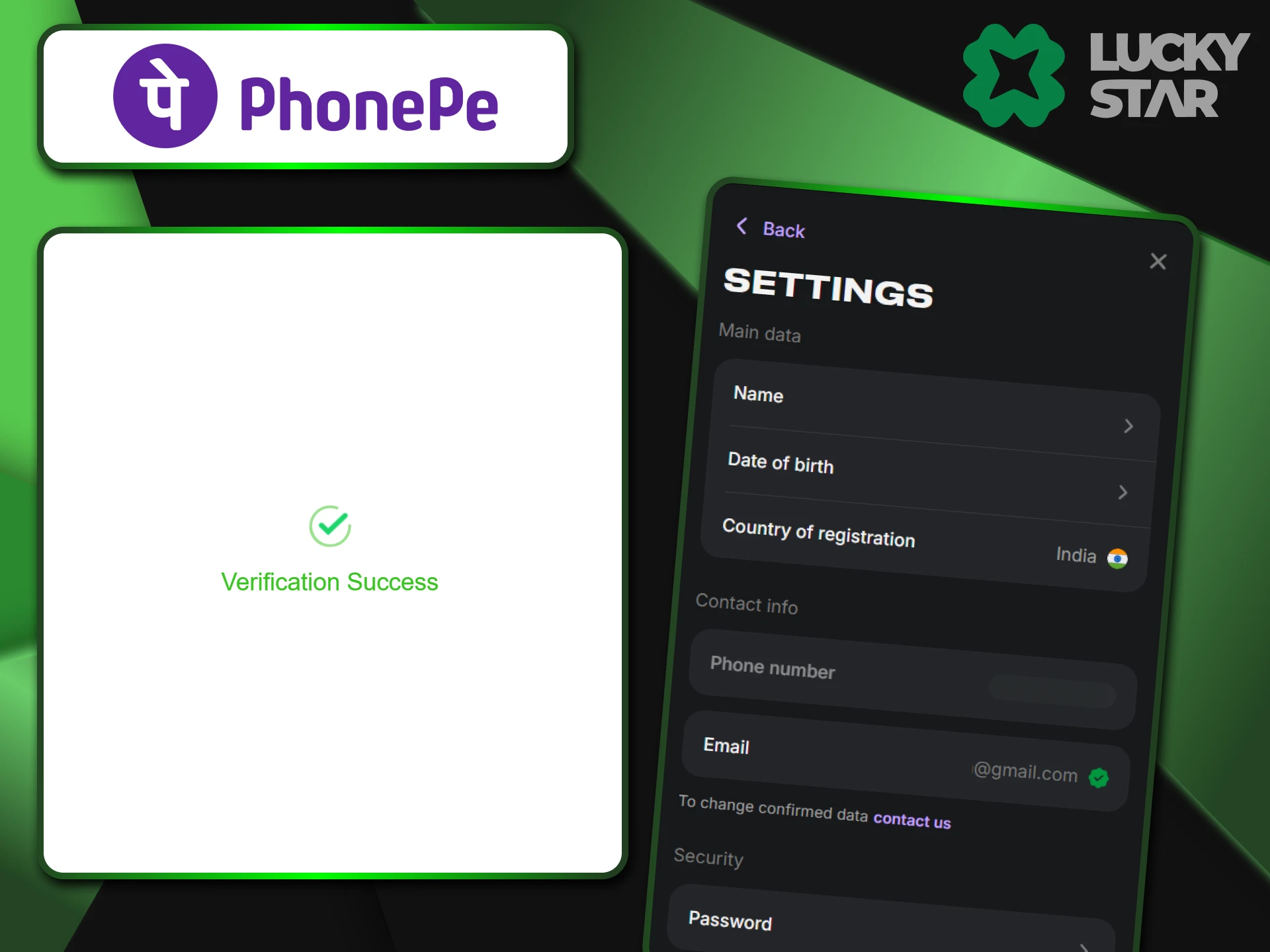
Lucky Star might ask for KYC documents for your first large withdrawal to comply with safety rules. You may need to provide a clear photo of your Aadhaar or PAN card to prove your identity. For smaller amounts, the process is often shorter or skipped entirely. This check is a one-time task to keep your account safe from hackers and unauthorized access. Once verified, future withdrawals are much faster.
Troubleshooting PhonePe Issues
If you face a problem, the Lucky Star support team is ready to help you. Most issues happen due to simple technical errors, bank server problems, or daily limits set by the government. Knowing how to fix these common hurdles will save you time and keep your gaming experience positive.
“Processing” Status Stuck
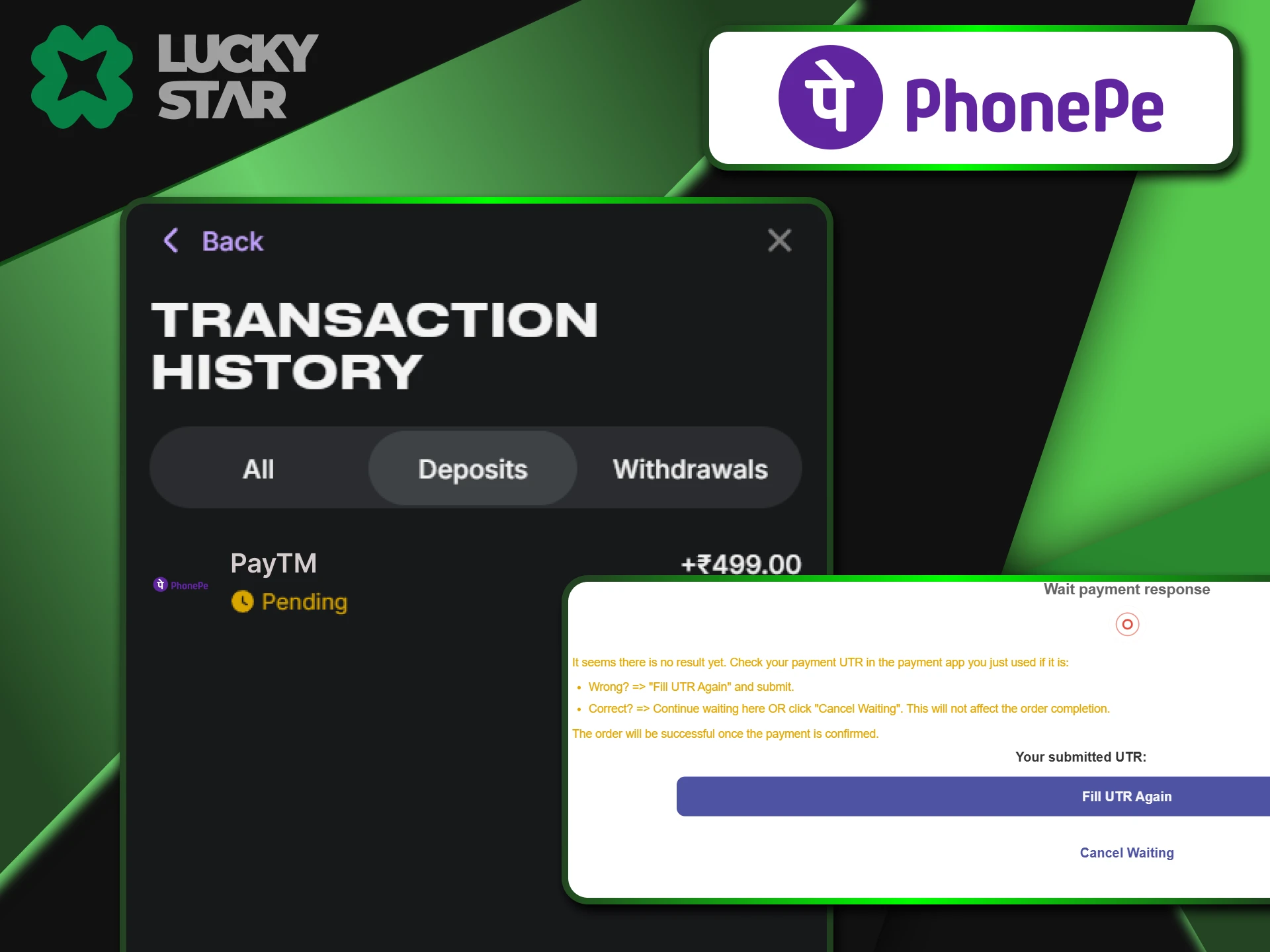
If PhonePe deducted your money but the Lucky Star balance is still empty after several minutes, you likely missed the UTR step. To fix this, do not panic. Take a clear screenshot of your payment receipt that shows the 12-digit UTR number and the date. Send this image to our Live Chat. The support agents will verify the payment manually and add the funds to your account.
Payment Declined by Bank
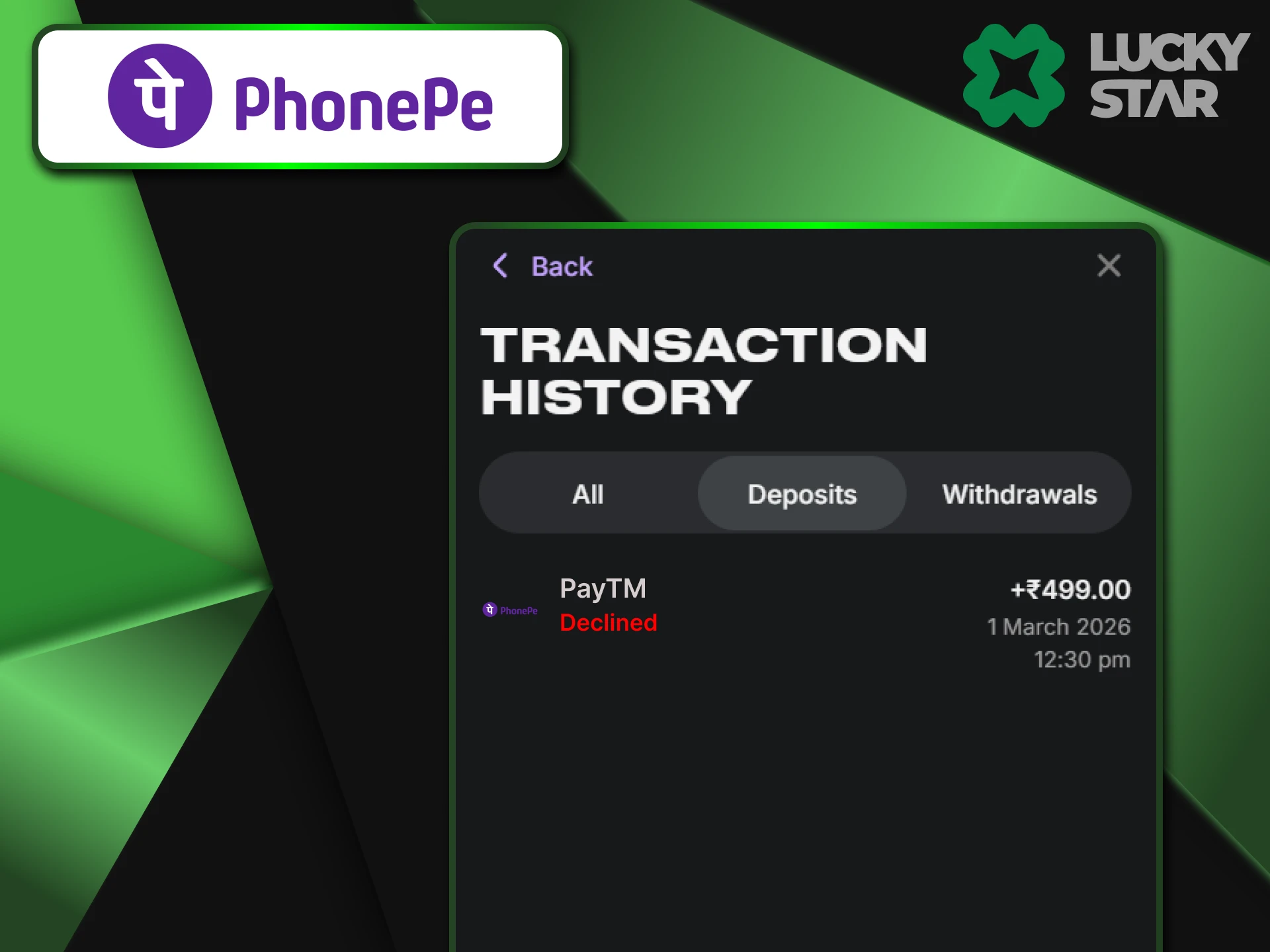
Sometimes you see a “Bank Server Busy” message or a failed transaction notice in PhonePe. This often means you reached the daily UPI limit of ₹1 Lakh set by your bank or the NPCI. To fix this, you can try using a different bank account within the PhonePe app or simply wait 24 hours. Lucky Star does not block your attempts, but your bank might limit your daily spending for security reasons.
Switching Apps on Mobile
Keep the Lucky Star app open in the background when you switch to PhonePe to make the payment. Use the “Recent Apps” menu on your phone to move between the two applications smoothly. If you close our app completely or restart your phone during the process, your payment session might expire. This makes it harder for the system to link your UTR to your specific deposit request.
Security and Safety
PhonePe uses protection from the NPCI and biometric locks like your fingerprint or face ID. Lucky Star adds more safety with 256-bit SSL encryption to protect your data. Your bank details never stay on the Lucky Star servers because the site uses a direct gateway for all UPI operations. This means your financial information remains private and secure every time you play.
FAQ
Where do I find my UTR in PhonePe?
Open the “History” tab in PhonePe and select the specific transaction. Look for the “UTR” or “Bank Ref No” line. It is always a 12-digit number.
Can I deposit via PhonePe Wallet?
It depends on the current gateway available at Lucky Star. Usually, it is better to use UPI linked to your bank account for the best success rates.
Is there a daily limit?
The standard NPCI limit is 50,000 INR per day. While Lucky Star does not limit how many times you deposit, your bank will enforce this daily cap.
How fast is withdrawal?
Most transfers take 15 minutes to 4 hours to reach your bank. We might take up to 24 hours during busy weekends or holidays.
Can I use a friend’s PhonePe?
No. Our rules strictly forbid third-party payments. You must use an account in your own name or your account could face a permanent block.
Updated:
Comments