To add funds to your account, you can use payment apps like GPay or Paytm already present on your phone. This integration makes the process quick as you switch between the Lucky Star app and your financial tool. Follow these steps to complete a deposit:
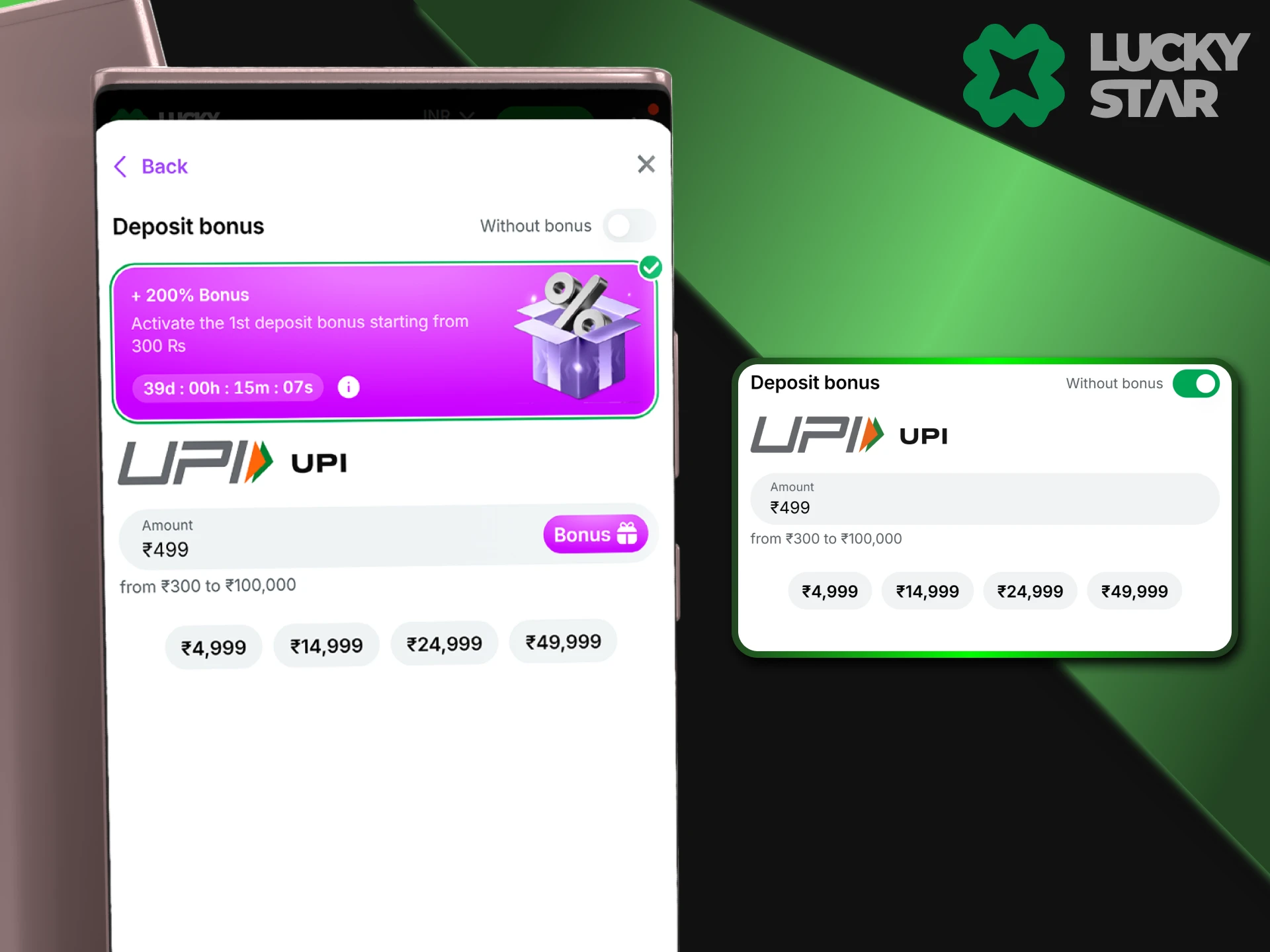
- Open the deposit section and select the UPI option.
- Enter the amount you wish to add.
- The app shows a UPI ID (VPA) or a QR code; copy the ID to your clipboard.
- Switch to your GPay, Paytm, or PhonePe app and paste the ID to send the money.
- After the payment is successful, find the 12-digit UTR (Transaction ID) in your bank app history.
- Return to the Lucky Star app and paste this UTR number into the confirmation field.
Even when you use a mobile device, the system needs the UTR number to verify your transfer. Without this 12-digit code, the money will not appear on your balance automatically. Most transactions finish in less than 5 minutes if you provide the correct UTR details.








Comments