
Lucky Star Deposit Methods: UPI, Paytm, GPay & Crypto
Lucky Star provides a smooth system for adding funds to your account. You can use Indian Rupees directly, which means you avoid any loss from currency conversion. The gambling site supports both local payment apps and various cryptocurrency to suit different player needs. Every transaction moves fast, and most deposits show up in your balance almost instantly.
The cashier at Lucky Star charges 0% commission on all incoming payments. This ensures that the full amount you send stays available for your bets. Security is a major focus, as the site uses 256-bit SSL encryption to protect your financial data. Your personal details and money remain safe during every step of the transfer process.
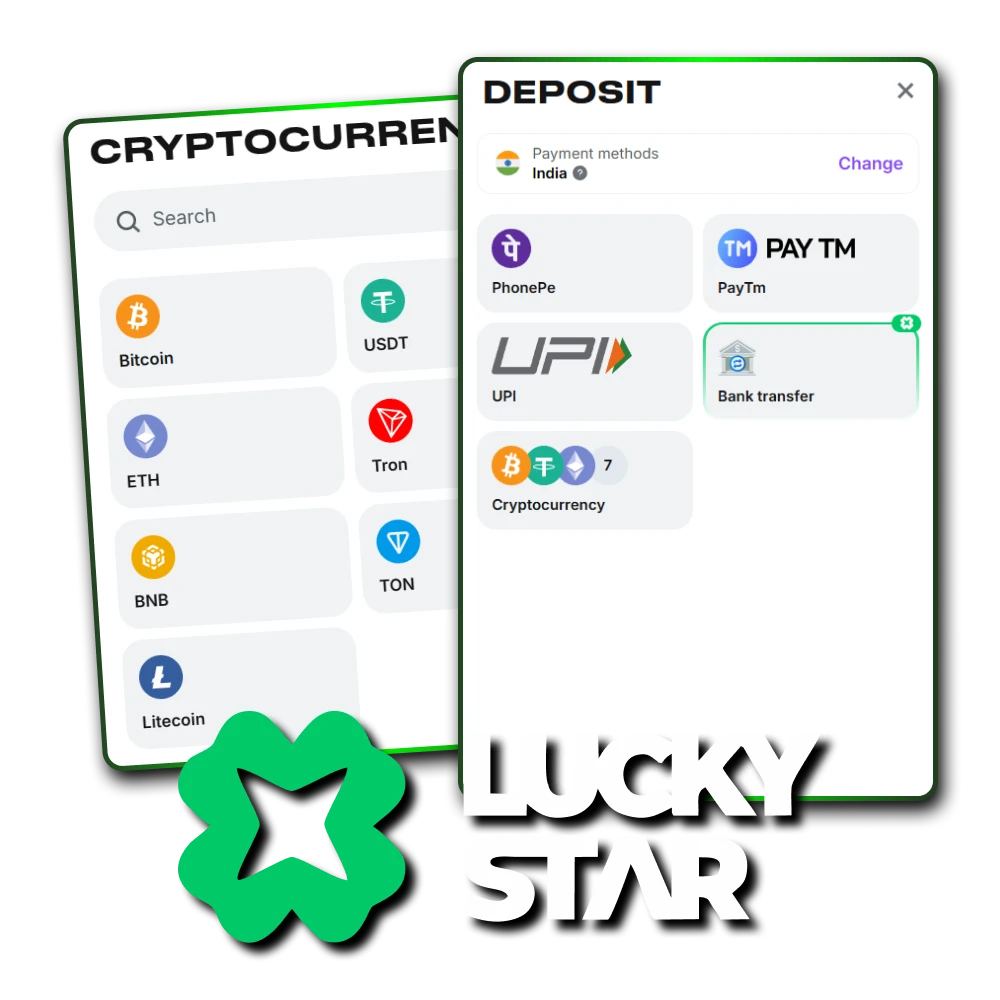
Deposit Options (Limits & Speed)
Choosing the right method depends on your goals. New players often prefer UPI for its low entry point. High rollers usually turn to crypto because it handles much larger amounts without bank restrictions.
| Method | Min Deposit | Max Deposit | Speed |
| UPI / Paytm | 300 INR | 50,000 – 100,000 INR | 5–15 Minutes |
| Crypto (USDT) | 5 USDT (450 INR) | No Limit | 5–10 Minutes |
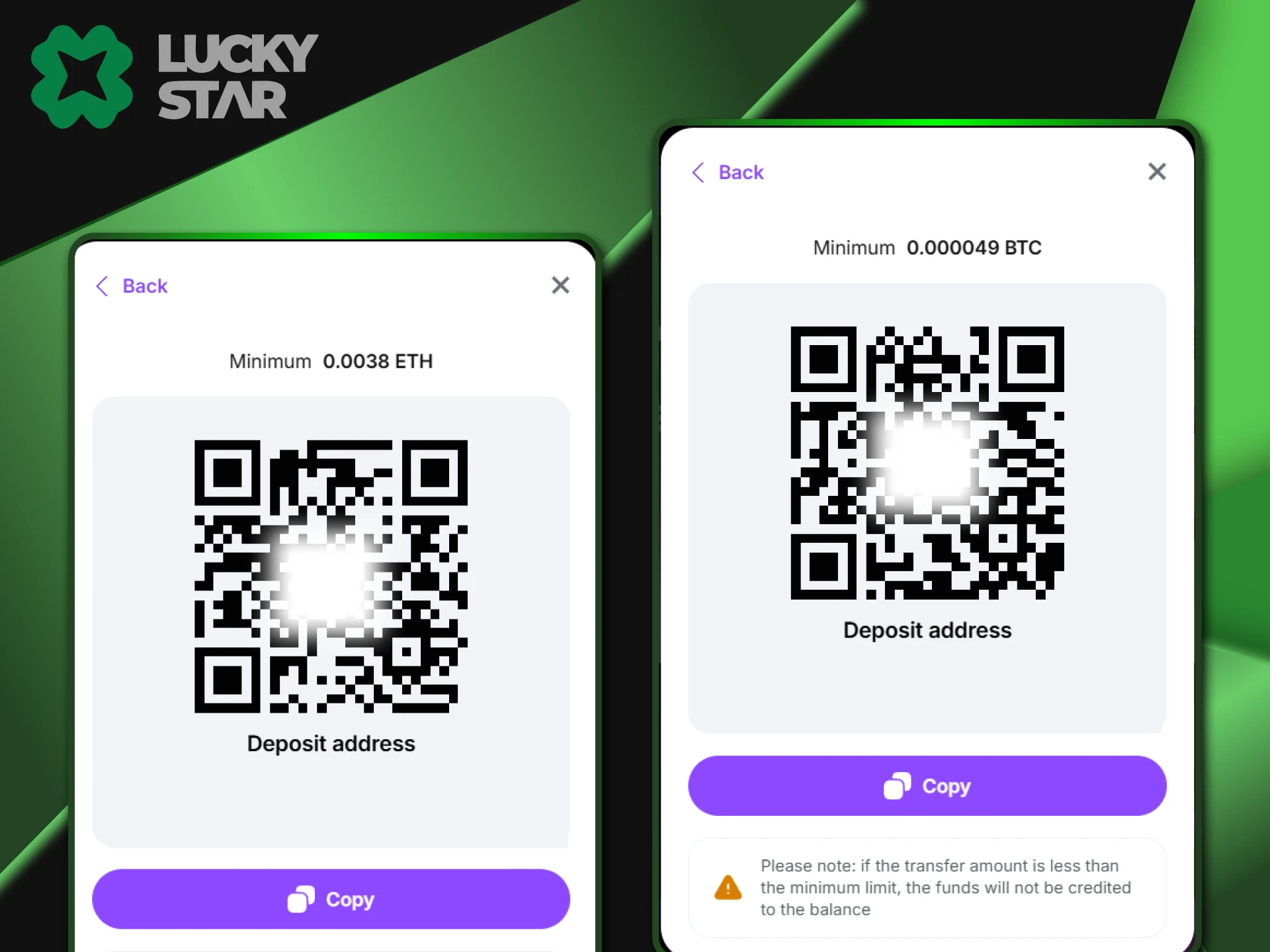
| Bitcoin | 0.000049 BTC (300 INR) | No Limit | 10–60 Minutes |
Depositing via UPI (PhonePe, Paytm, GPay)
UPI is the most popular choice at Lucky Star, accounting for about 80% of all deposits in India. This method links directly to your favorite mobile banking apps like PhonePe or GPay. It is very convenient because you do not need to share bank account numbers or card details with the casino. Most players start with a small amount, as the minimum deposit starts around ₹300.
Step-by-Step UPI Guide
Deposit into your account, use this quick process. Follow these steps to send your payment to Lucky Star:
- Open the deposit section and pick “UPI / Netbanking” from the list of options.
- Type the amount you want to add to your balance.
- The screen shows a VPA (UPI ID) or a QR code. Copy this ID or take a screenshot of the code.
- Switch to your bank app like PhonePe or GPay.
- Paste the ID or scan the code to send the money.
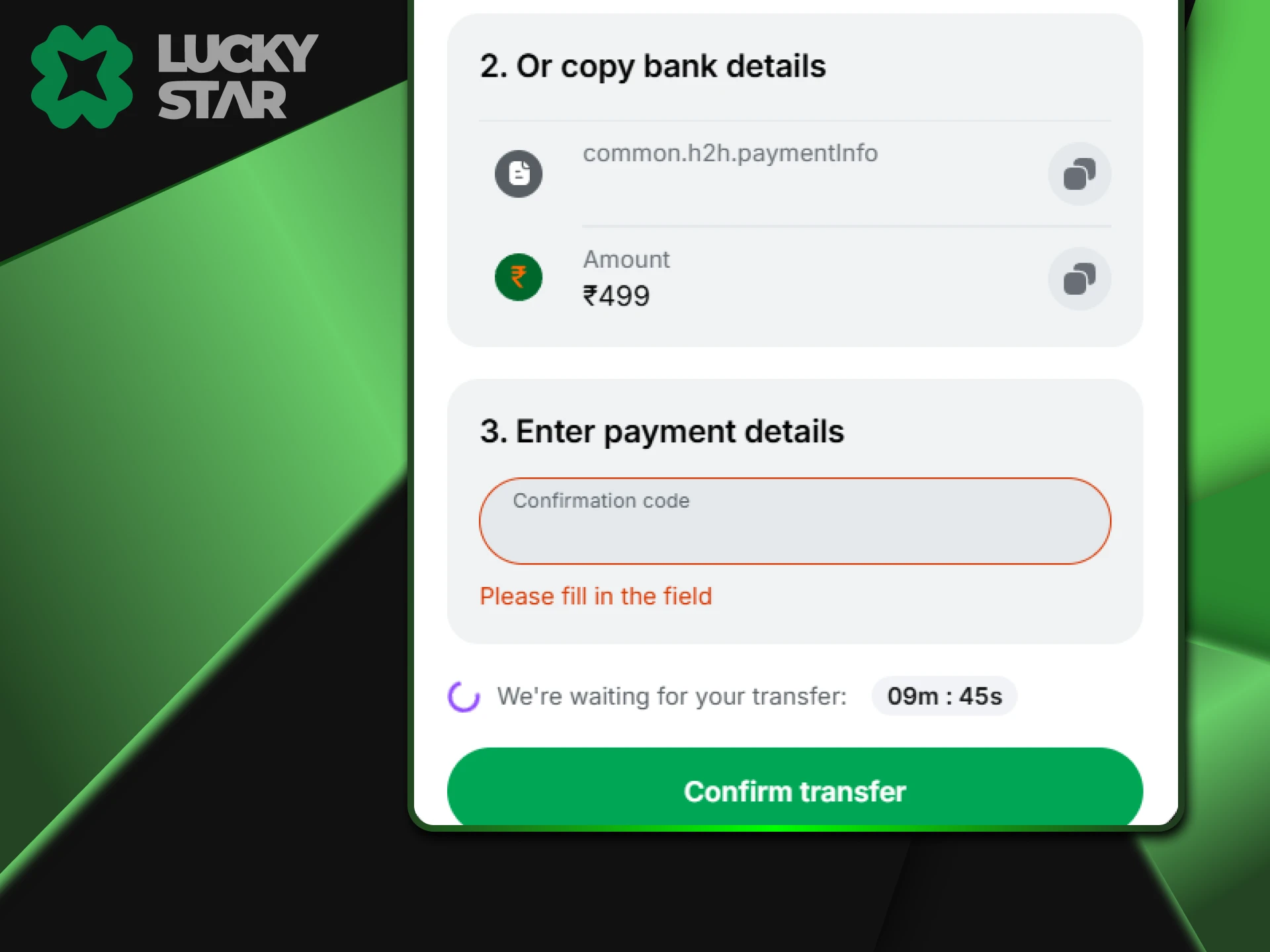
- Return to the Lucky Star page and enter your 12-digit UTR number to finish.
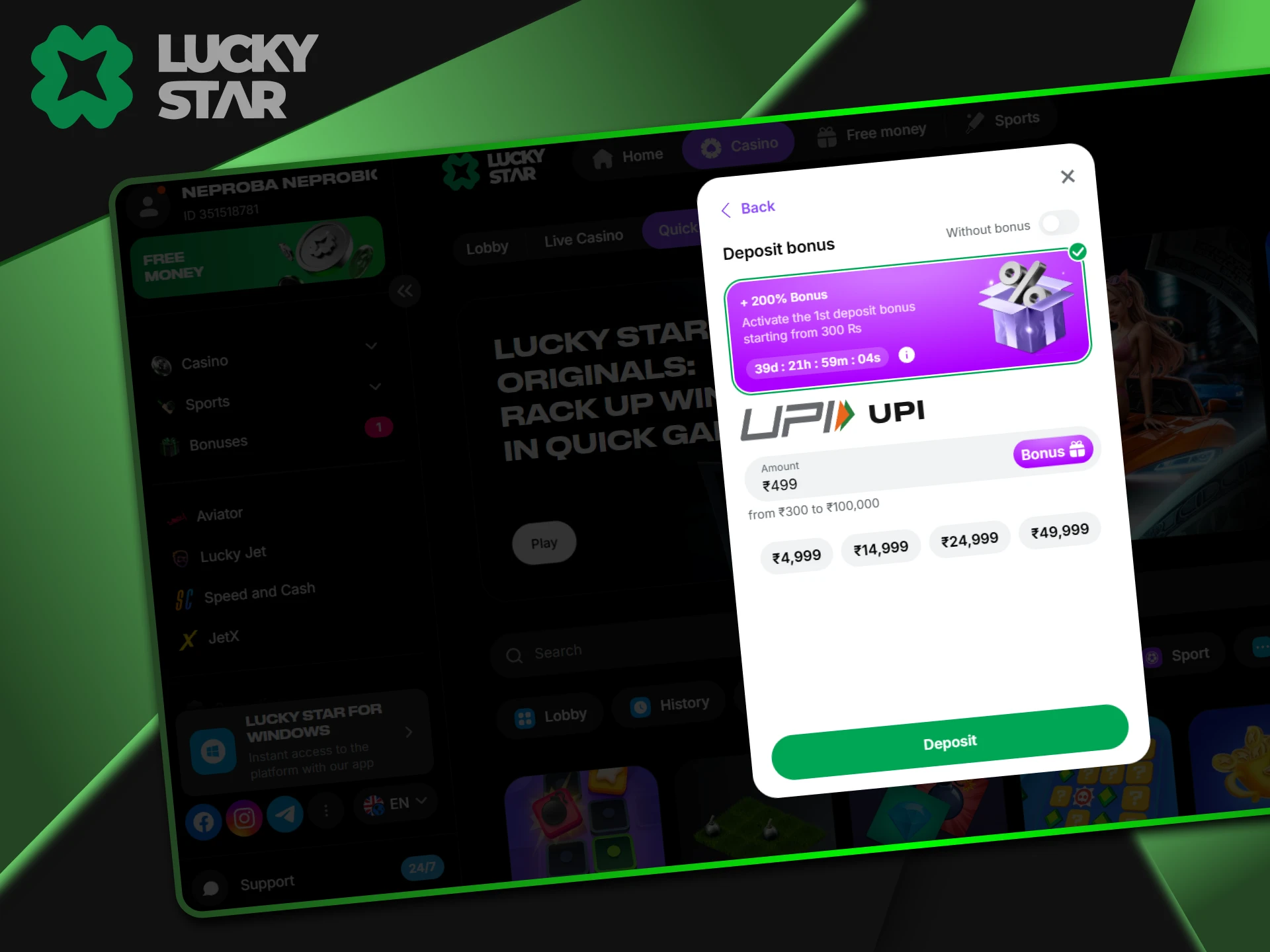
Critical Step
The 12-digit UTR acts as a digital receipt for your payment. Every UPI transfer generates this specific code. Lucky Star uses this number to track your money among thousands of other transactions. Without this code, the system cannot link the payment to your specific profile.
You can find the UTR easily in your payment app history. In PhonePe, click on the transfer and look for “Transfer Details.” For GPay, it appears as the “Google Transaction ID” or “UPI Transaction ID.” Paytm users find it under “Wallet History” as the Ref No.
Warning: You must enter all 12 digits correctly on the deposit page. If you skip this step or close the window too early, the funds will not show up in your balance automatically. In such cases, you must contact support with a screenshot.
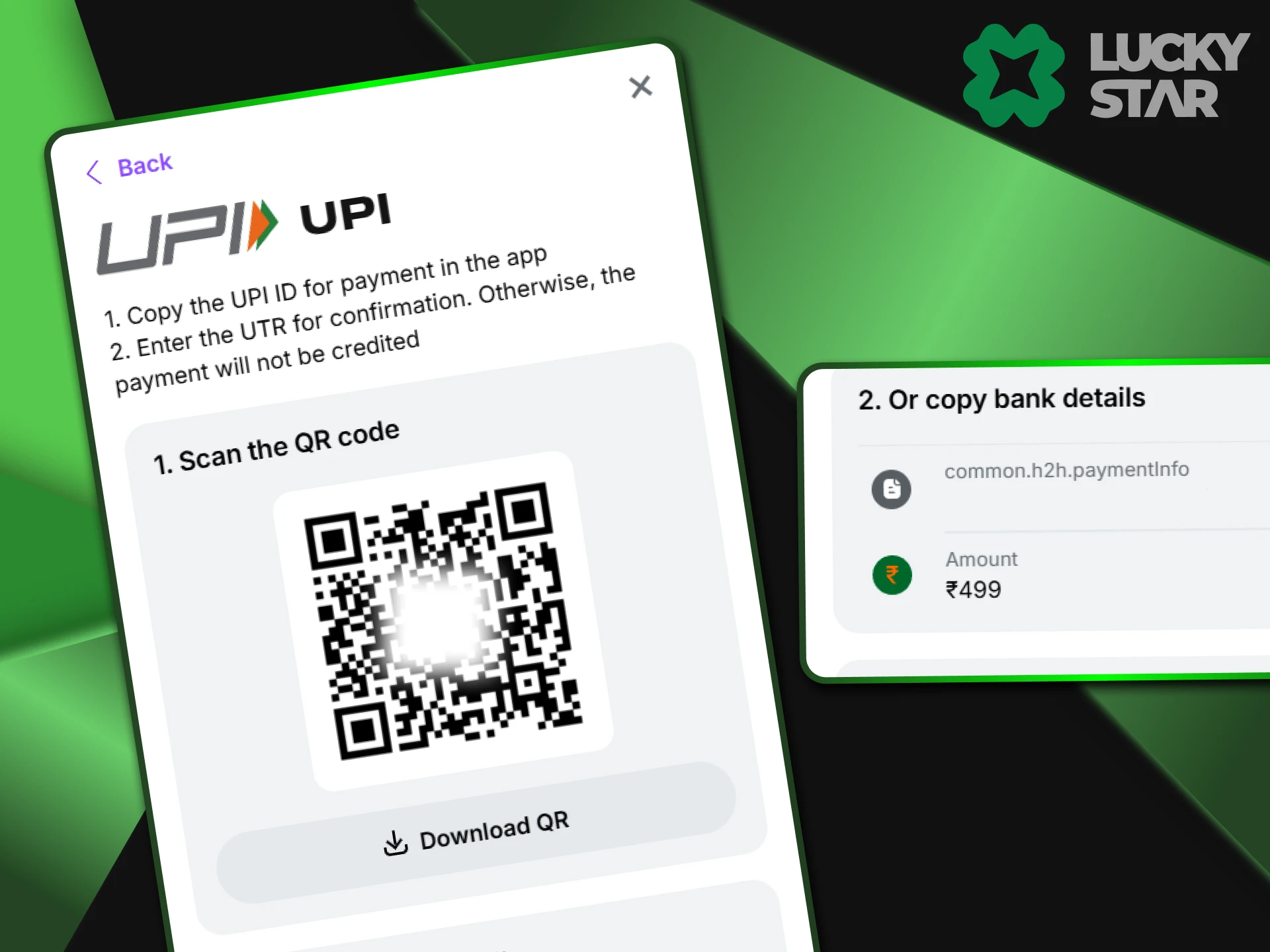
Common UPI Errors
If your transfer does not go through, check these common reasons. Most issues relate to simple technical blocks rather than account problems.Troubleshooting Steps:
- Invalid UPI ID: The IDs at Lucky Star change often to keep payments secure. Do not use an old ID from your contacts. Always copy the fresh VPA from the deposit screen;
- Payment Failed: This usually happens if you hit your bank’s daily limit. It can also occur during a poor network connection. Try a smaller amount or switch to a different UPI app.
Cryptocurrency Deposits (USDT, BTC, ETH)
Cryptocurrency serves as the top choice for high rollers and privacy-focused players at Lucky Star. Unlike traditional bank transfers, digital coins offer total anonymity. Your bank will not see any records of your gambling site activity, which prevents potential account blocks or restrictions.
This method handles much larger sums compared to UPI. You can deposit $100,000 (9 067 000 INR) or more in a single transaction without any delay. Since the blockchain operates 24/7, your funds move freely at any hour. This flexibility makes crypto the most reliable tool for serious users.
Supported Coins and Networks
When you use crypto at Lucky Star, the network you choose is just as important as the coin. Each network has different speeds and costs.
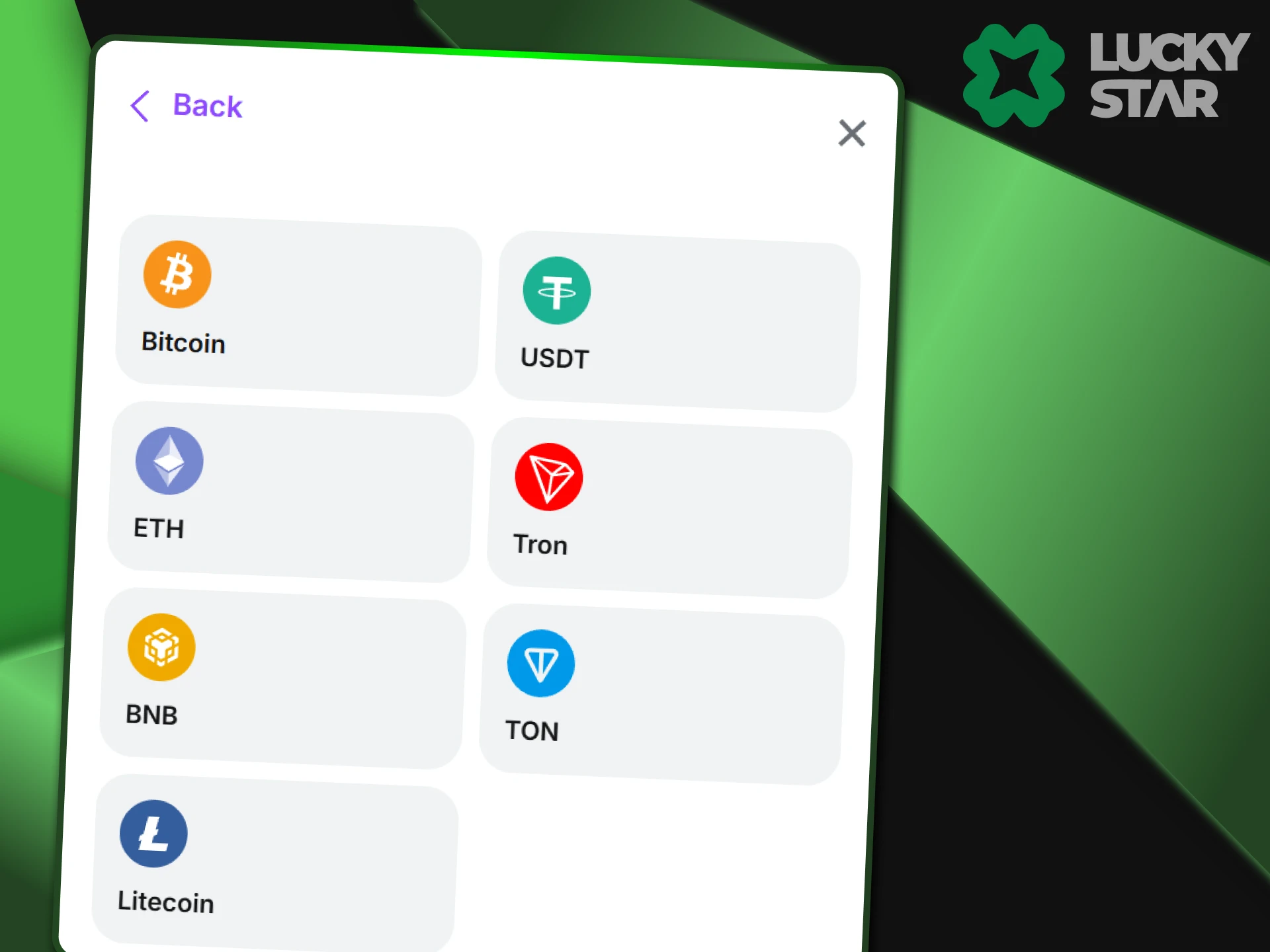
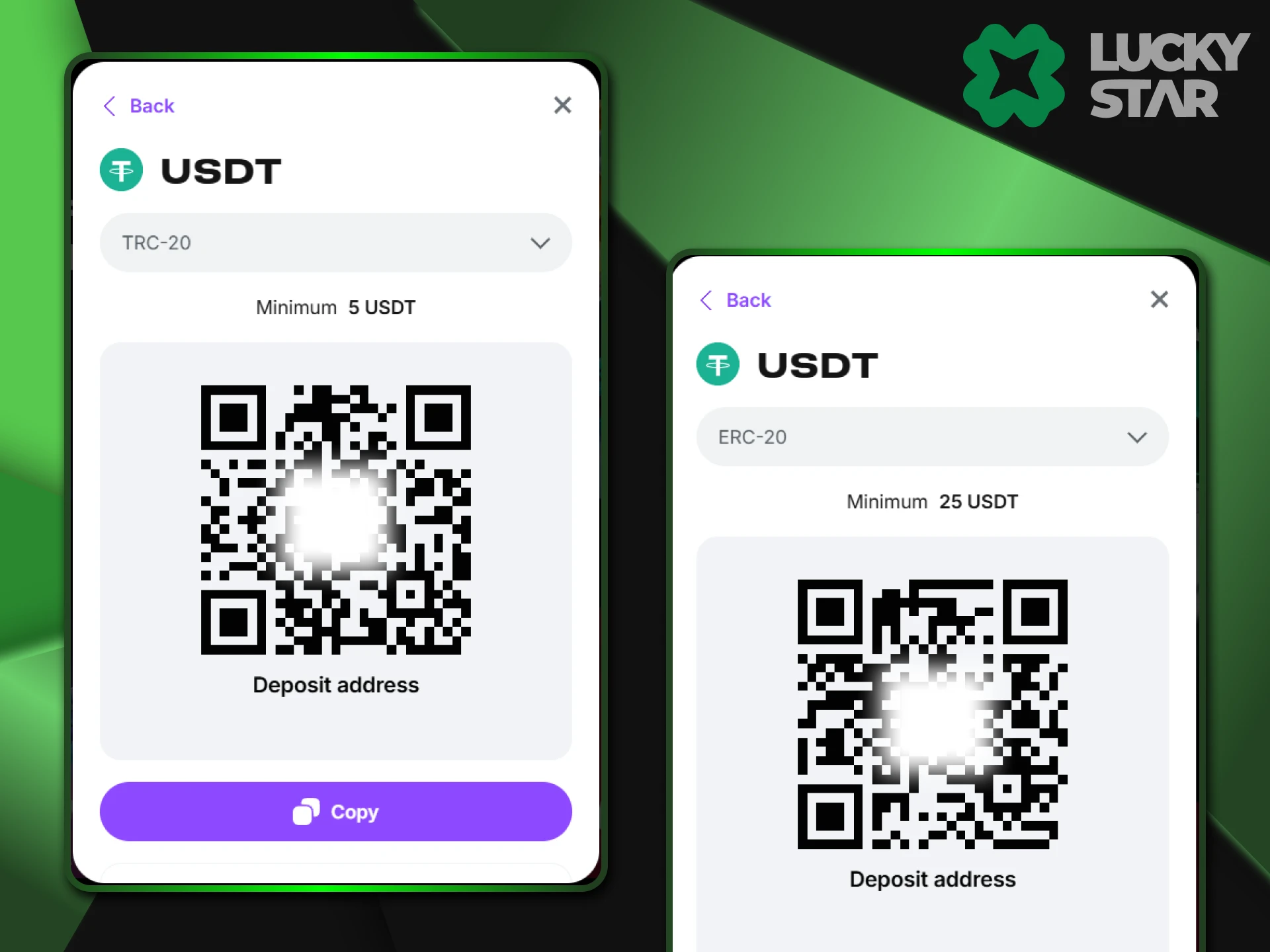
- USDT (Tether). This is the most common choice for stable value. Use the TRC20 (Tron) or BEP20 (BSC) networks. These options offer the lowest fees and very fast transfer times;
- Bitcoin (BTC). This works best for very large transfers. Note that confirmations on the blockchain take longer, often between 20 and 60 minutes;
- Ethereum (ETH). This is a reliable option, but you must check the current Gas Fees. These network costs can rise significantly when the blockchain is busy.
How to Deposit Crypto Safely
Follow these steps to transfer crypto coins to your Lucky Star balance without any errors. This process ensures your funds arrive at the correct destination securely.
- Open the deposit section and copy the unique wallet address provided for your chosen coin.
- Launch your personal crypto app, such as Binance or Trust Wallet.
- Select the “Withdraw” option and paste the Lucky Star address into the recipient field.
- Pick the correct network (like TRC20 for USDT) to avoid any loss of funds.
- Enter the amount and confirm the send.
Buying Crypto with Card (MoonPay/Banxa)
Some players prefer to use their Visa or Mastercard but still want the benefits of crypto coins. Lucky Star includes a built-in tool for this exact purpose. You do not need to visit an external exchange to get started. Instead, you use a widget directly on the gambling site to buy crypto with your bank card.
Services like MoonPay or Banxa act as a bridge. They convert your fiat money into crypto and send it to your account balance. Keep in mind that these providers often ask for a quick KYC check. You might need to upload a photo of your ID to verify the purchase. This setup helps you start playing with crypto even if you do not own a digital wallet yet.
Troubleshooting Deposit Issues
If your funds do not appear immediately, do not worry. UPI payments usually take between 5 and 15 minutes to process. Crypto transfers depend on the blockchain speed and typically require 1 to 3 network confirmations. Wait for this period to pass before taking action. If the balance remains empty after an hour, check your transaction status in your bank app.
“Money Deducted but Not Credited”
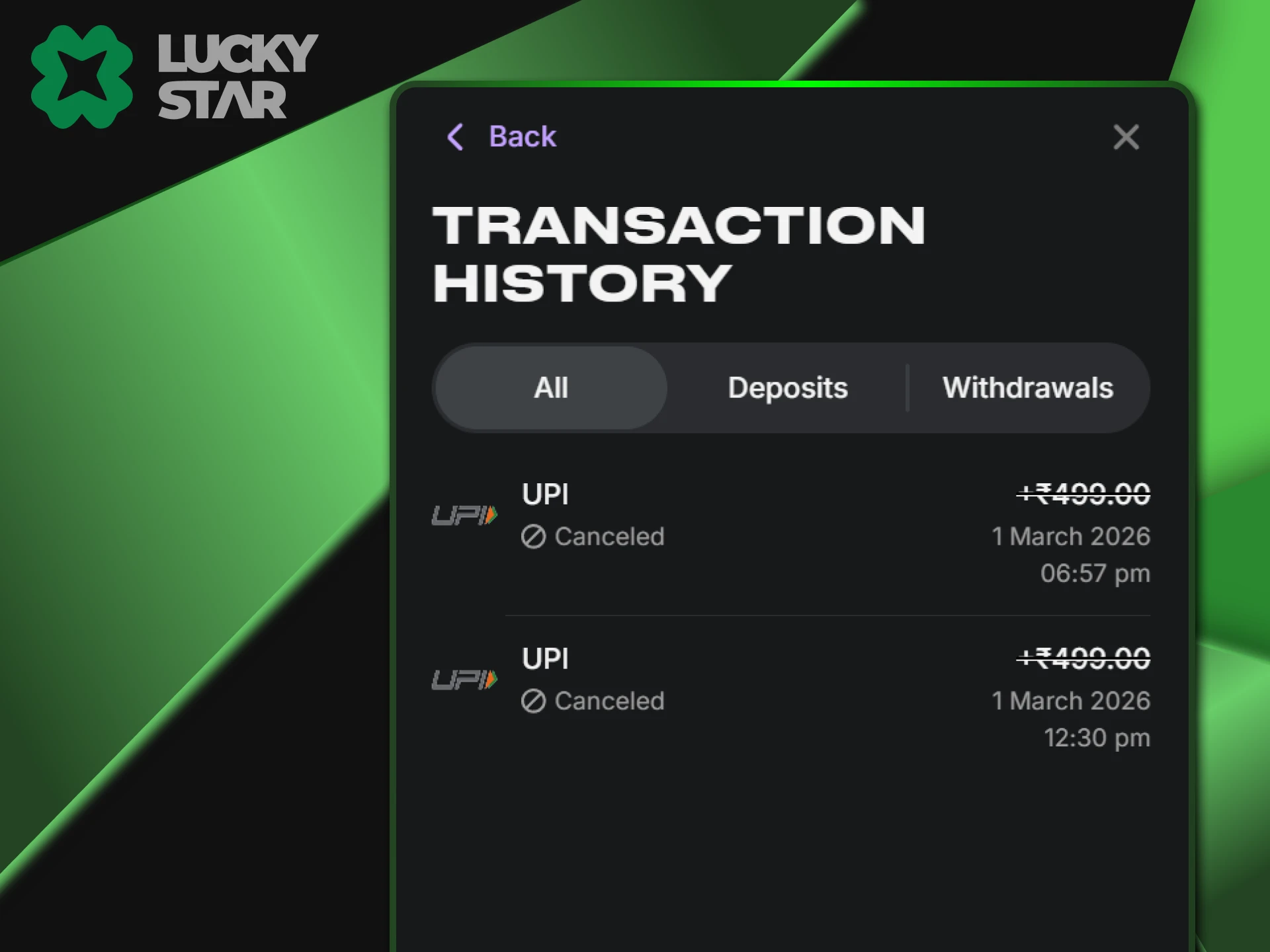
This is the most common issue. It usually happens because a player forgot the UTR number or the payment gateway had a brief lag. If this occurs, take a clear screenshot of your bank receipt and send it to the Lucky Star Live Chat. The support team can manually add the funds to your account.
Sent to Wrong Crypto Address
A mistake with crypto addresses leads to serious problems. If you use the ERC20 network for USDT but the address belongs to TRC20, the funds do not reach your account. In most cases, these coins disappear forever because blockchain transfers remain final and nobody can reverse them. Lucky Star lacks the tools to pull money back from the wrong network.
Always verify that the network in your wallet matches the one on the deposit page. One small error in the address characters or the network type results in a total loss. You must stay focused and check every detail twice before you confirm the payment in your app.
Security and Transaction Safety
Safety remains a priority for every transfer you make. Lucky Star protects your data with 256-bit SSL encryption, which keeps your financial details private and away from third parties. The casino never stores sensitive information like your card numbers or UPI PIN.
For crypto assets, the site uses cold wallets. These are offline storage systems that stay disconnected from the internet, making them safe from hackers. This layered approach ensures that your funds remain secure from the moment you send them until they reach your balance.
FAQ
What is the minimum deposit in India?
At Lucky Star, you can start with 300 INR for UPI or around 5 USDT for crypto.
Can I deposit using a friend’s account?
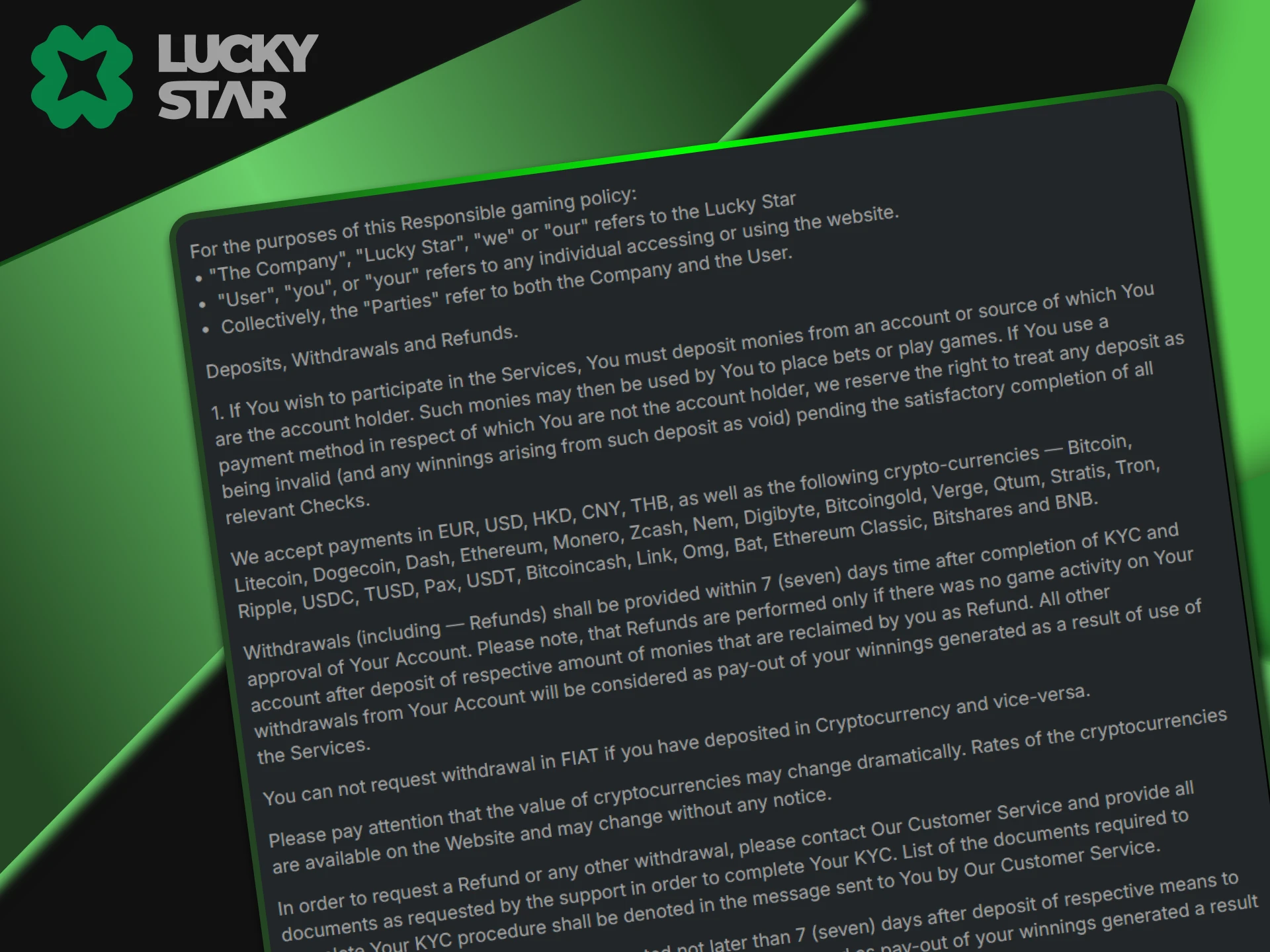
No. The name on your bank account or wallet must match the name on your Lucky Star profile.
Are there fees for depositing?
Lucky Star does not charge fees. However, your crypto wallet may charge a small “Gas Fee” for the transaction.
Does Lucky Star accept Rupay cards?
Not directly, but you can link your Rupay card to PhonePe or GPay and deposit via UPI easily.
Where do I find the UTR number?
Go to your bank app history, click on the transaction, and look for a 12-digit “UTR” or “Ref No.”
Updated:
Comments