
Lucky Star Google Pay: Deposit & Withdrawal
Google Pay stands as the most secure method for direct bank transfers at Lucky Star. This service uses the UPI system to move funds from your bank account to the casino balance. Players prefer this option because it offers direct integration and high safety standards for every transaction.
You can use INR to fund your account without any extra costs. Our processes these deposits instantly, allowing you to start your games immediately. The system is efficient and cuts out the wait times often associated with traditional banking.
GPay works perfectly on both Android and iOS devices. Unlike some APK files that have limited payment options, the Lucky Star mobile version supports Google Pay fully. This makes it a great choice for mobile users who want a reliable and fast way to manage their money.
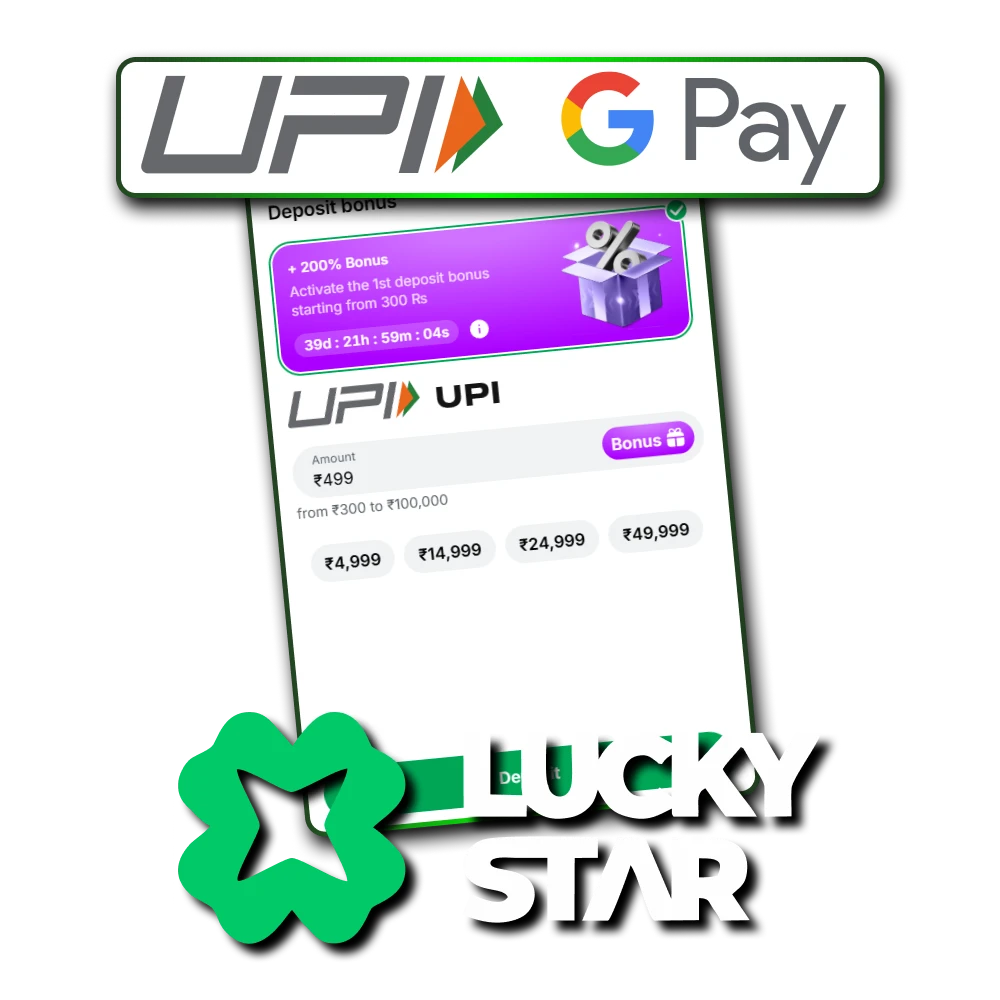
GPay Transaction Limits and Fees
Before you make a transfer, it helps to check the current limits at Lucky Star. These rules ensure that all players can manage their funds according to the official UPI guidelines. The table below shows the key facts for your transactions.
| Transaction Type | Limit / Detail |
| Min Deposit | ₹300 |
| Max Deposit | 1 Lakh per transfer (NPCI)
100,000 INR (Lucky Star) |
| Deposit Speed | Instant |
| Service Fees | 0% |
We do not take any commission from your deposits or withdrawals. You get the full value of your money, making your gaming sessions more cost-effective.
How to Deposit via GPay
Follow the instructions below to add funds to your account. Accuracy is very important here. Please follow every step exactly as written to avoid any delays. If you skip a part, your money might take longer to appear in your balance.
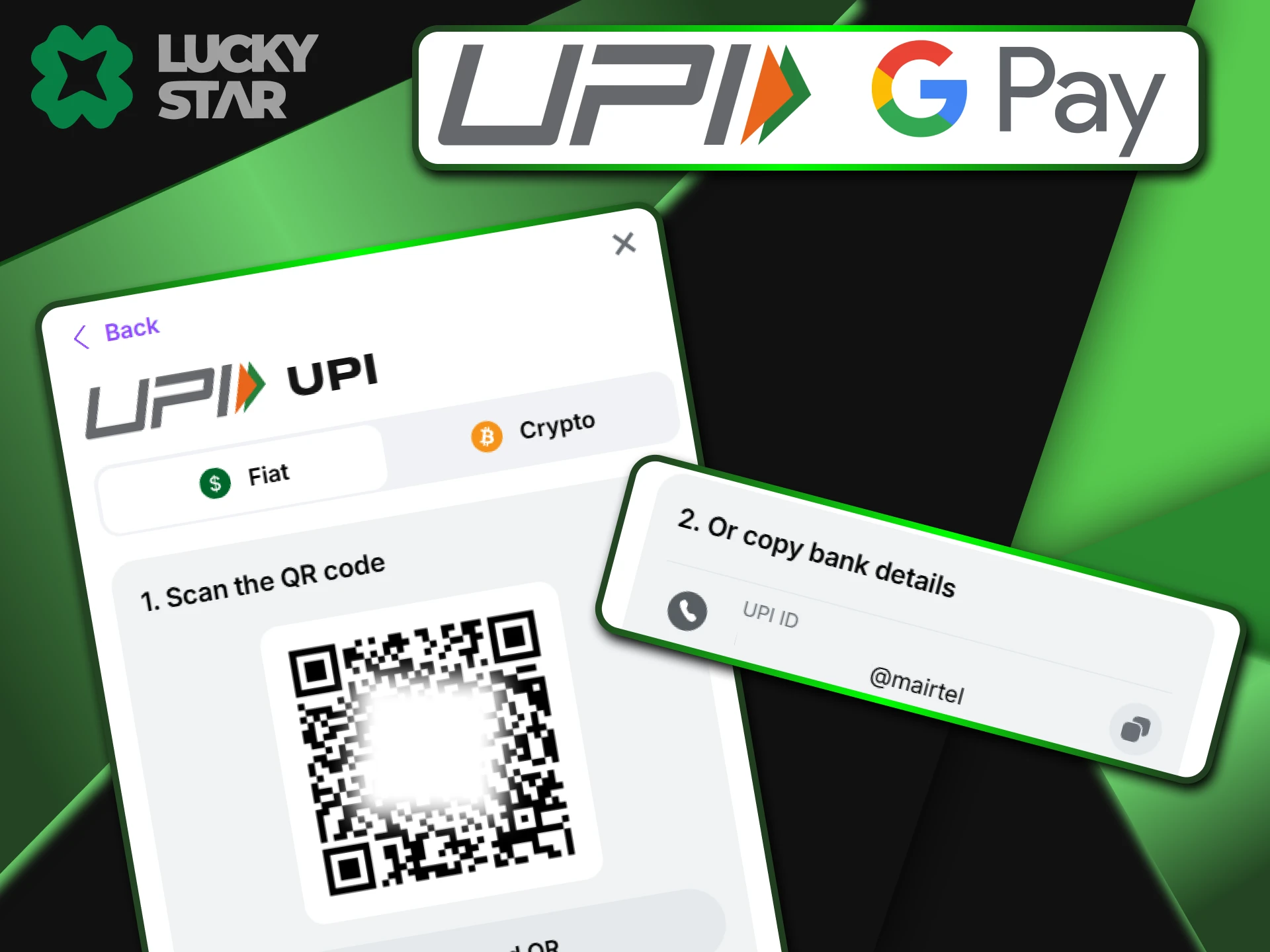
Copying the Payment Address (VPA)
To start your deposit at Lucky Star, you must first get the correct payment details from the cashier. This ensures your money goes to the right destination. Please follow these specific steps to get the address:
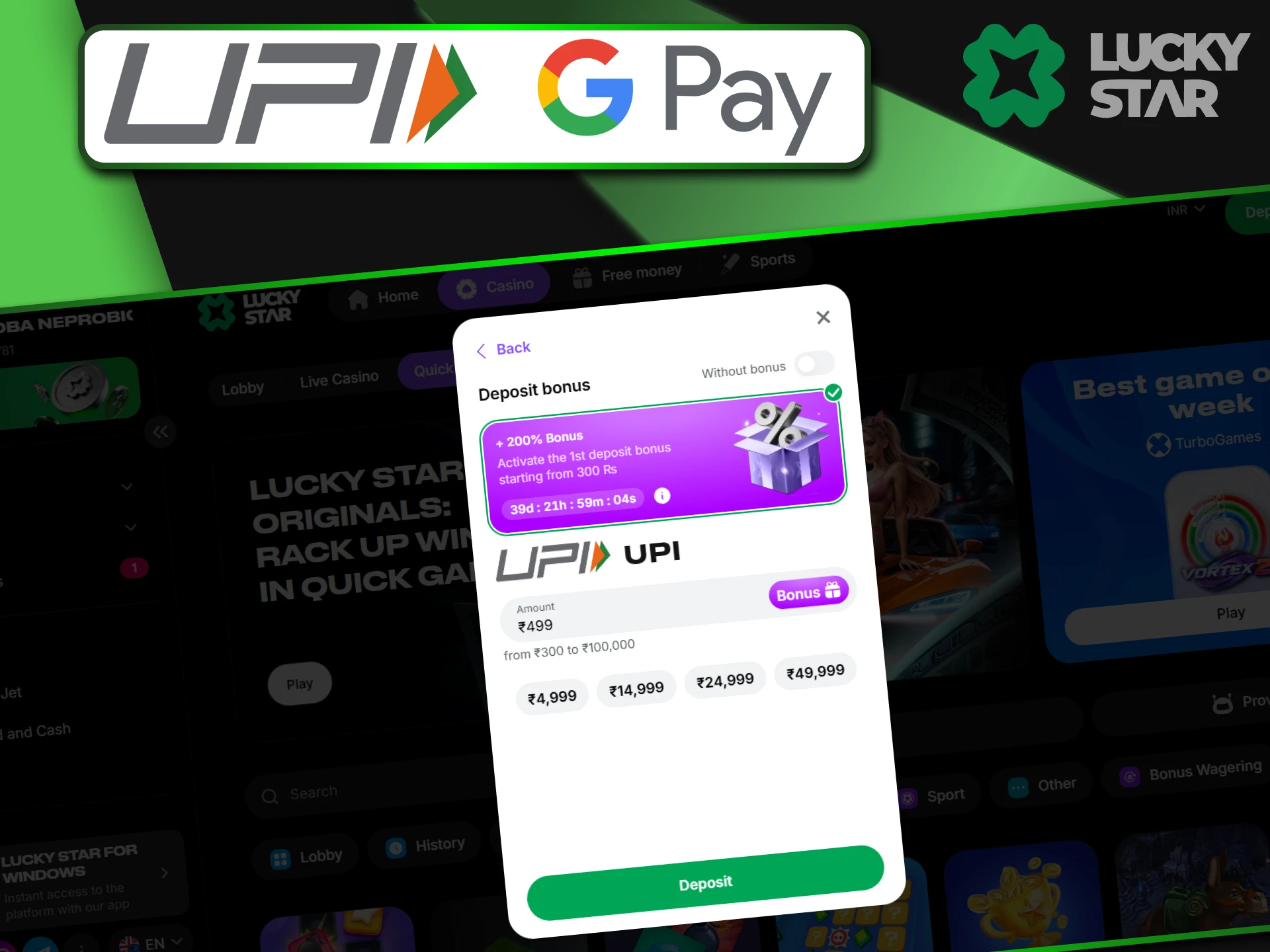
- Open the deposit area and click on the Google Pay or UPI option.
- Type in the amount of money you want to add to your balance.
- The system will display a UPI ID (VPA), such as luckystar@hdfcbank. Copy this ID carefully.
Important: Some phones have a “Pay” button that tries to open the app automatically. If this deep link does not work or fails to load, do not worry. It is much better to copy the ID manually and paste it directly into your GPay app. This manual method is the most reliable way to ensure Lucky Star receives your funds without any technical errors.
Completing Payment in GPay
Open your Google Pay app on your phone and tap “Pay to UPI ID”. Paste the address you copied from our site. Always check the Banking Name on the screen to ensure it matches the casino details. Enter your secret PIN to authorize the transfer.
Critical: Finding the Correct UPI ID
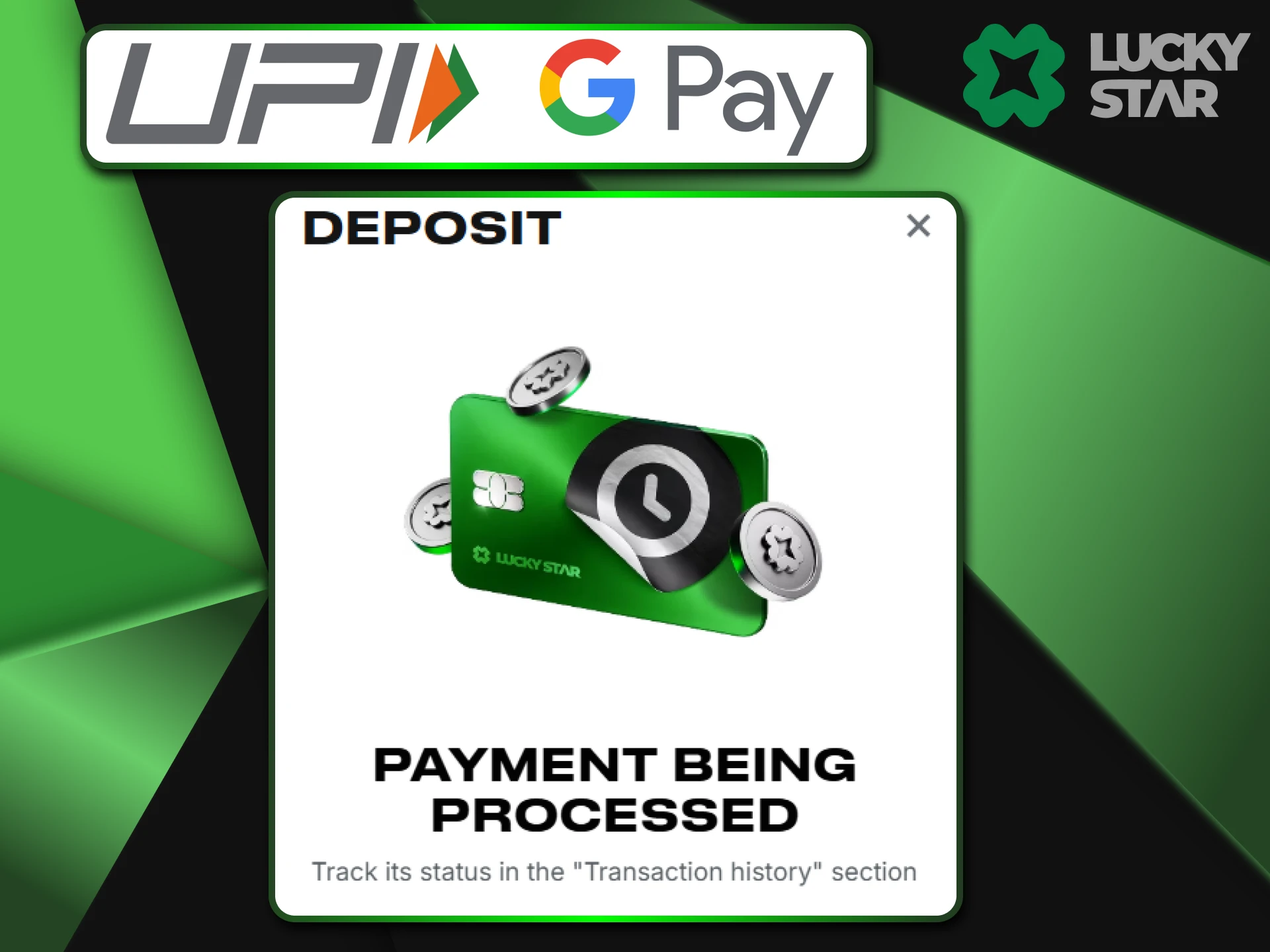
Once you complete the transfer, you must provide proof of payment to Lucky Star. This is where many players face a common hurdle because the app shows several different codes. You must select the specific number that the banking system uses to track your rupees. Finding the right ID ensures your balance updates immediately.
- Open your GPay app and go to your transaction history.
- Select the recent payment made to our website.
- Look for the “UPI Transaction ID” which consists of 12 digits.
- Copy these 12 digits and return to the casino site.
- Paste the code into the confirmation field and submit.
Warning: Be very careful at this stage. Google Pay shows a “Google Transaction ID” that contains letters and symbols, but the Lucky Star system will not accept it. You only need the 12-digit numeric code that usually starts with a 3 or 4. If you enter the wrong ID, your deposit will stay in a pending state. Always double-check that you have only copied the numbers to get your funds instantly.
Buying Crypto with GPay
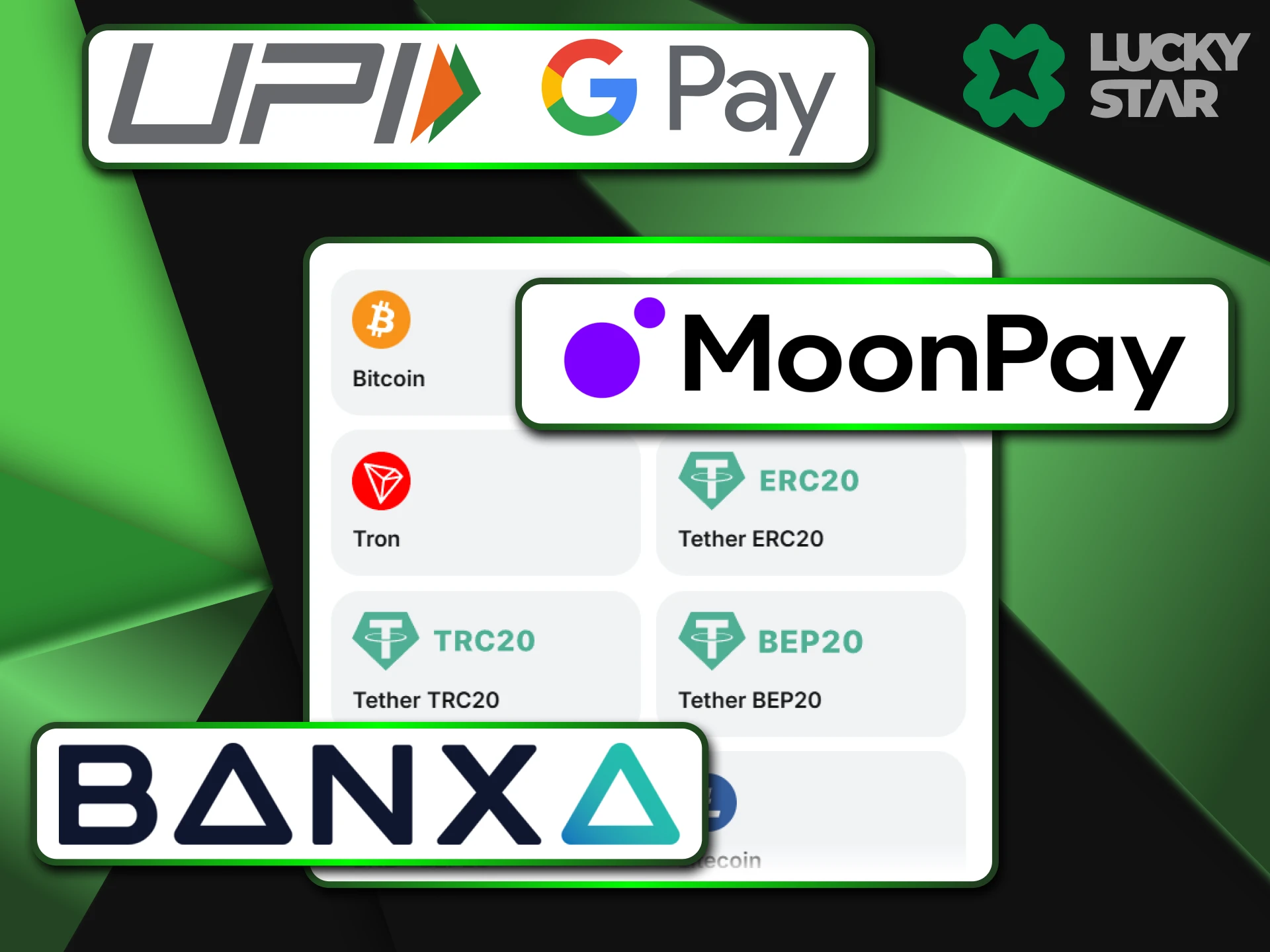
We allow you to buy BTC or USDT directly through the site. You can use GPay to pay for crypto via partners like MoonPay or Onramper. This is a perfect choice if you want to play with digital coins but only have cash in your bank. GPay often works much faster than Visa or Mastercard for these types of purchases at Lucky Star.
Withdraw Winnings to Google Pay
When you win, you can send your rupees back to the bank account linked to your GPay. The process is straightforward and keeps your funds within the same banking circle you use for deposits at Lucky Star.
Entering Your VPA Correctly
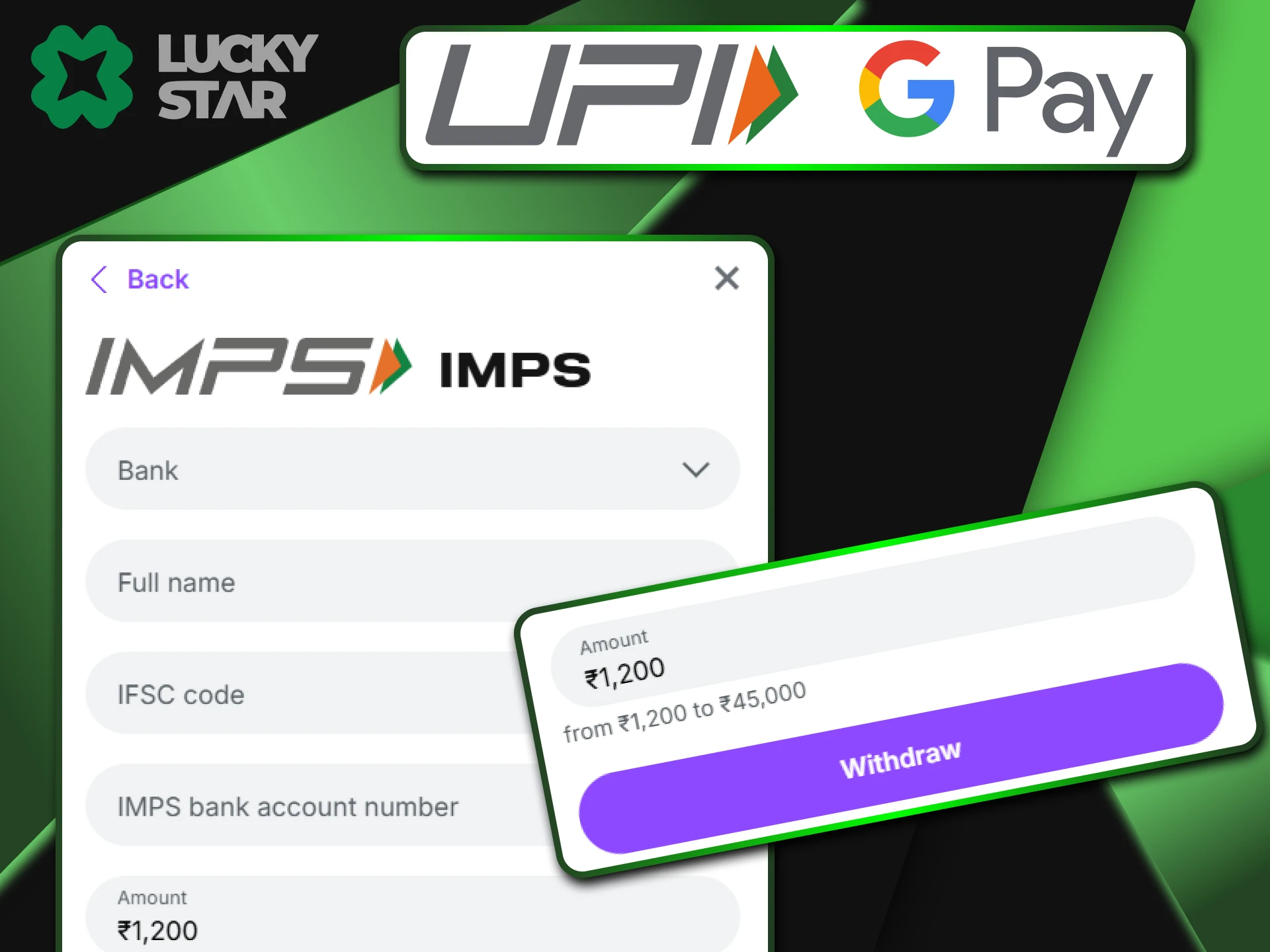
To receive your winnings, you must provide your personal payment address in the withdrawal section. This address is your unique VPA, which usually looks like name@okicici or name@oksbi. Please follow these steps to ensure a successful transfer from Lucky Star:
- Open the withdrawal tab and select the UPI or GPay option.
- Type your full VPA exactly as it appears in your Google Pay profile.
- Check the amount and submit your request.
Google Pay works with addresses from all major banks, including HDFC, SBI, and ICICI. Before you confirm the request at our website, make sure your bank account does not have a limit on incoming transfers. If your account reaches its daily cap, the bank might reject the funds.
Verification for Withdrawal
Your safety is a priority at Lucky Star. The name on your GPay profile must match the name on your casino account. If the names are different, the security team will decline the transaction. This rule prevents unauthorized people from taking your funds. Always keep your profile details updated to match your official documents.
Troubleshooting GPay Errors
Sometimes errors happen during the payment process. Most GPay issues occur on the bank’s side rather than within Lucky Star. Knowing how to handle these errors will save you time.
“Payment Processing” Loop
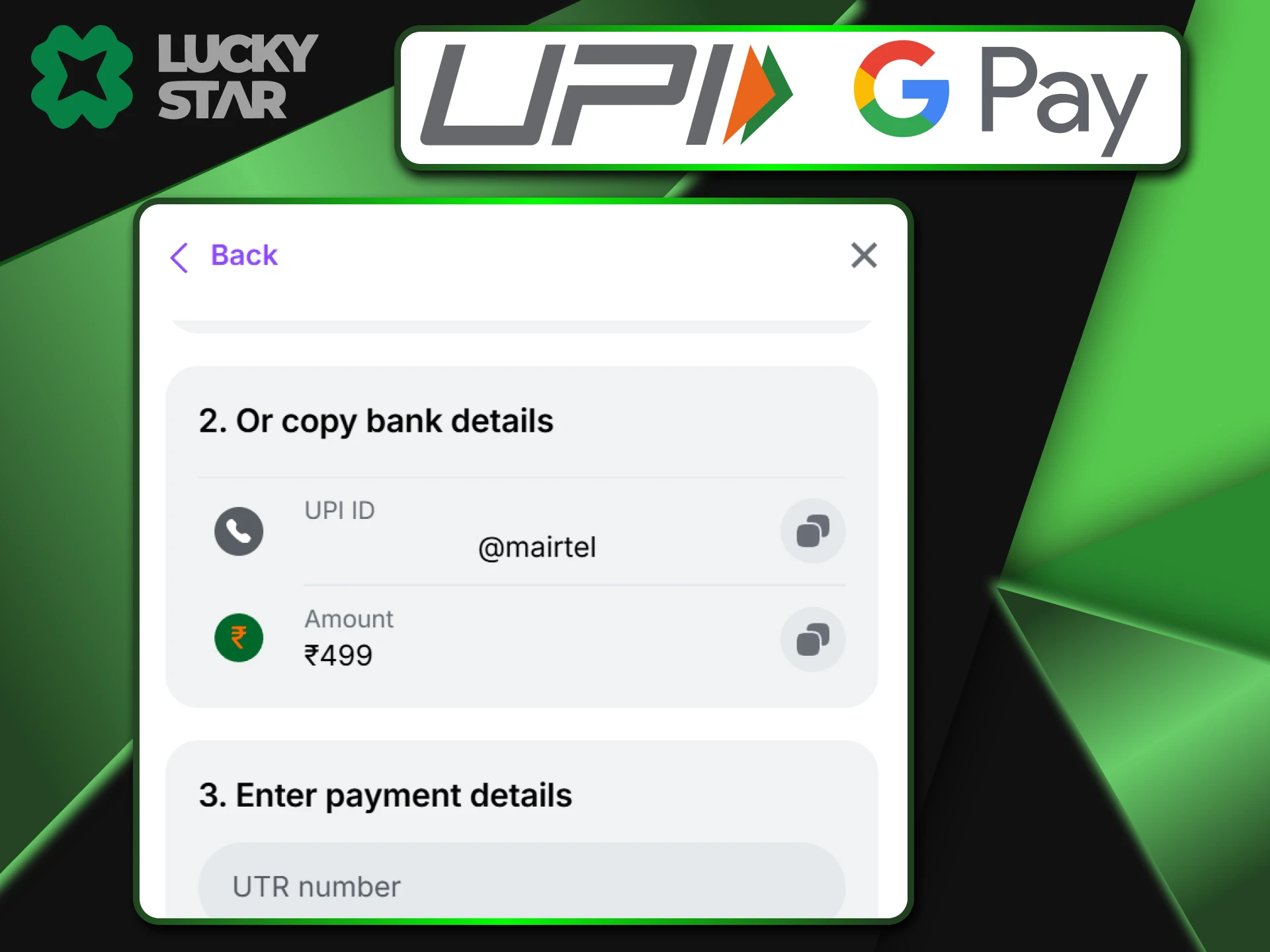
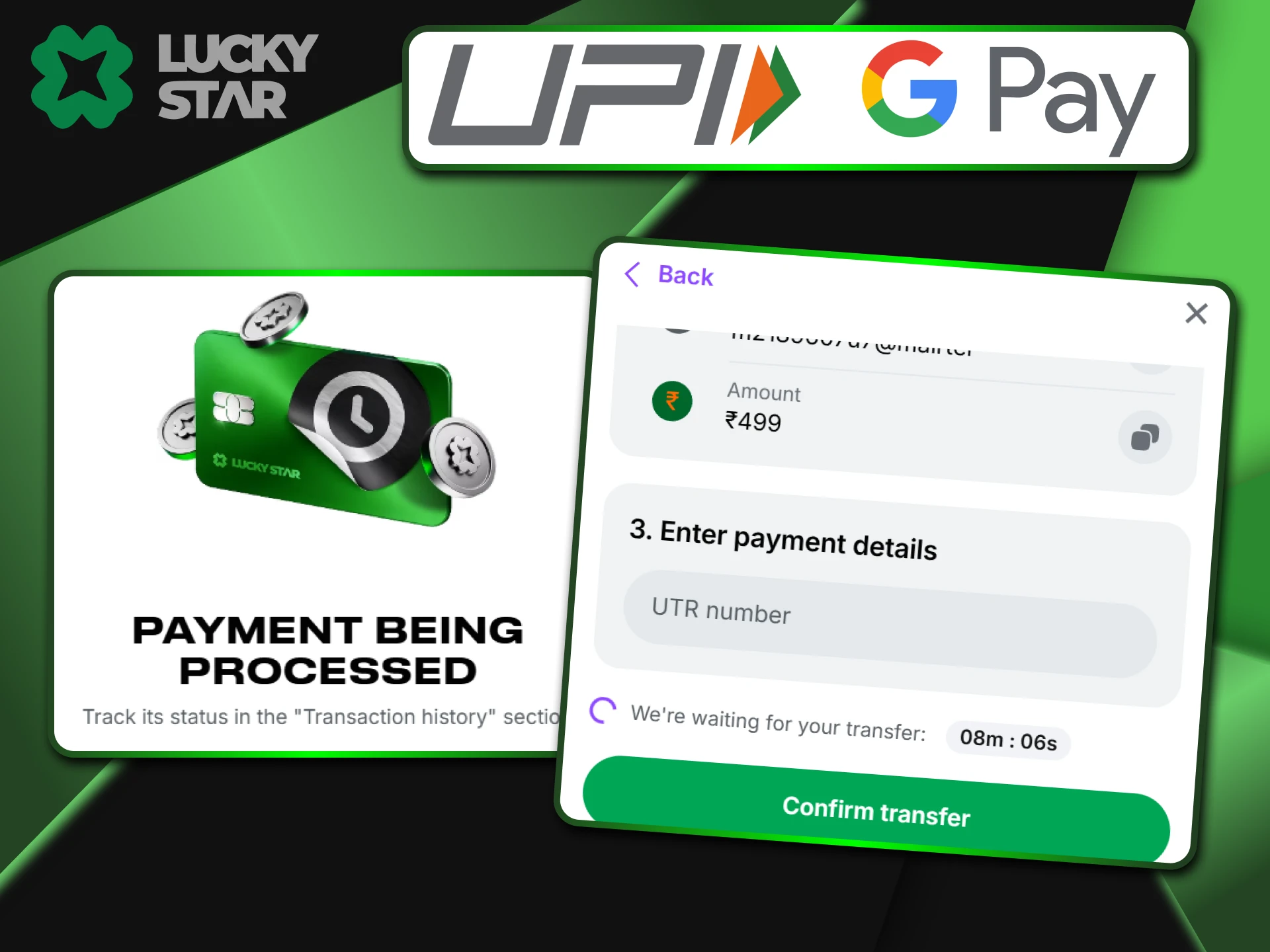
If your GPay app shows a “Processing” status, do not enter the UTR on our site yet. Wait until the app shows a “Success” message. If the payment fails in the app, the money usually returns to your bank account automatically. Only provide the 12-digit ID to Lucky Star once the payment is fully confirmed.
“Bank Server Unavailable”
This is a common UPI error. It means your bank’s server is under maintenance or too busy. This is not a fault of Lucky Star. To fix this, wait about 30 minutes and try again. Alternatively, you can try a different payment app like PhonePe to complete your deposit.
Switching Apps (Mobile UX)
Use the multitasking button on your phone to switch between GPay and the casino. Do not close your browser tab or the Lucky Star app while the payment is active. If you close the session, the system might lose track of your request. Keep both apps running until you see the “Deposit Successful” message.
Security
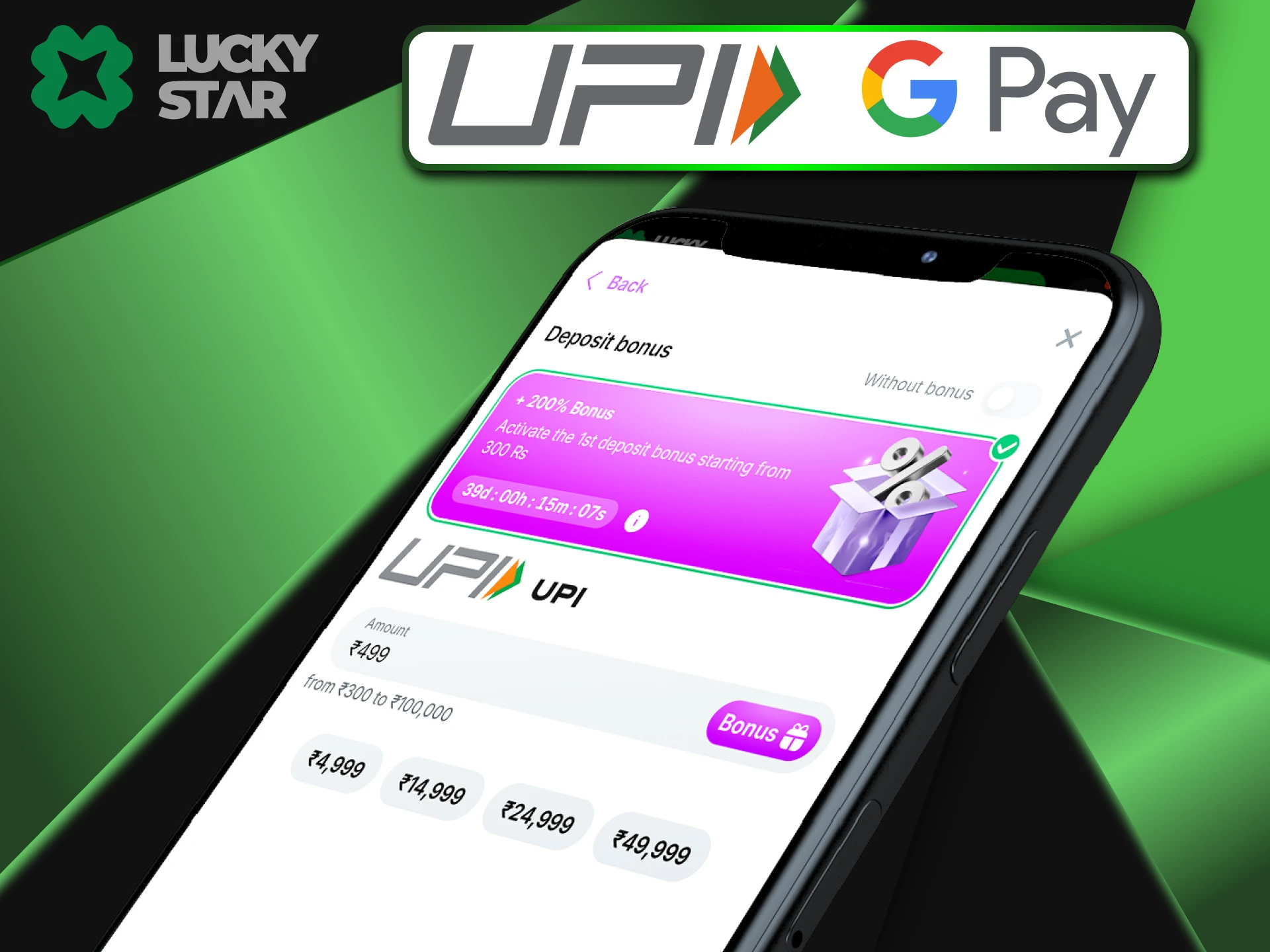
GPay uses Google Shield to protect you from fraud. Every transfer requires your biometric data, like a fingerprint or face ID. Lucky Star never sees your full bank account number. The casino only uses your VPA for the transfer, which keeps your private financial data safe from third parties.
FAQ
Where do I find the UPI Transaction ID in GPay?
Go to “Show transaction history” and pick your last payment. The 12-digit code is listed right under the total amount.
Can I withdraw a friend’s GPay number?
No. Lucky Star rules prohibit transfers to third parties to stop money laundering. The account must be in your name.
Is there a fee for using GPay?
No. We offers 0% commission for all GPay transactions.
Why is my deposit pending?
You likely forgot to enter the 12-digit UTR code on the website. Please contact our support via chat with your receipt.
Does GPay work for crypto purchase?
Yes. You can use GPay through partners like MoonPay to buy crypto for your balance.
Updated:
Comments