
Lucky Star Paytm Guide: Deposit & Withdrawal via UPI/Wallet 2026
Lucky Star offers a fast way to fund your account using Paytm. This method is a top choice for players in India because it works with local bank accounts and provides instant results. You can move your money in INR without any extra steps or conversion fees.
The system supports both Paytm UPI and the Paytm Wallet. This gives you a lot of freedom in how you manage your funds. Most users prefer this route because it is familiar and stays secure through the official banking apps you already use every day.
One big plus of using this method at Lucky Star is that there are no hidden costs. The site takes 0% commission on these transfers. Also, every deposit you make this way qualifies for the Welcome Bonus, which gives you more to play with from the start.
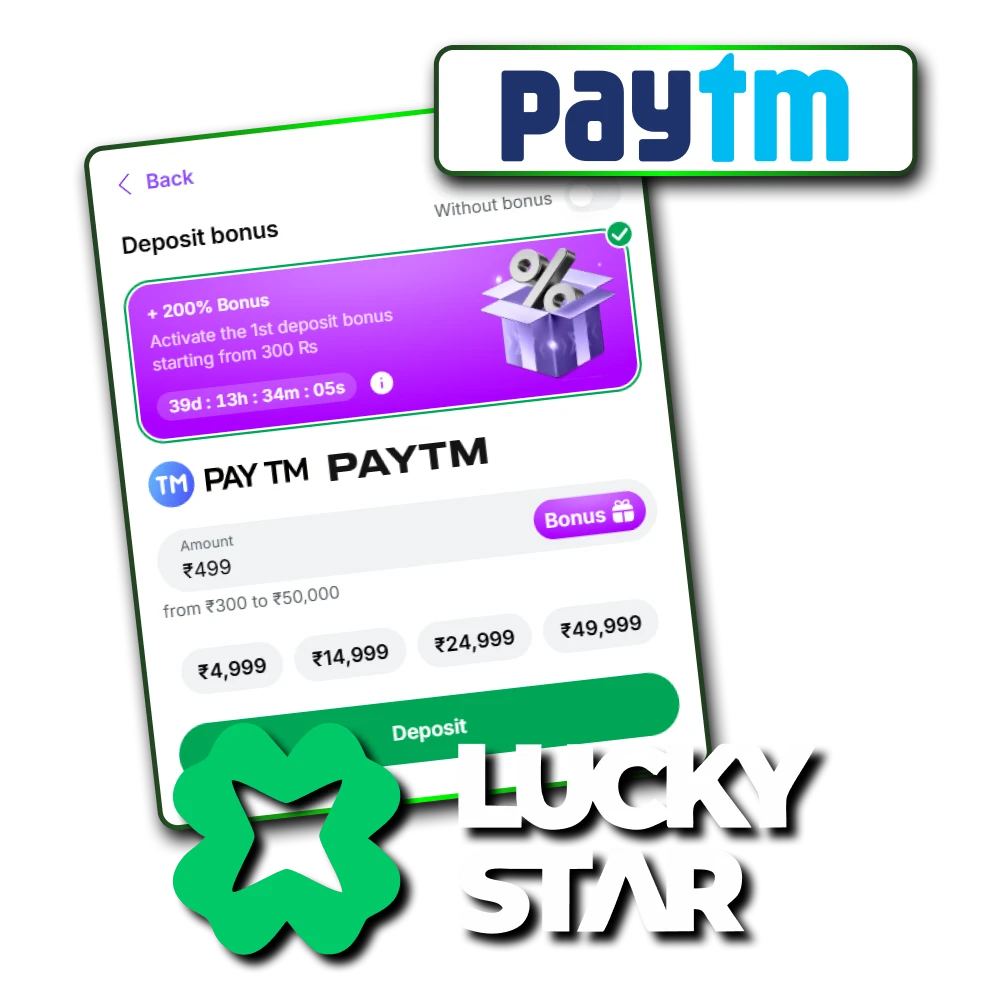
Paytm Limits & Speed
The table below shows the basic facts about money moves. These limits ensure that both small players and high rollers can use the site without trouble.
| Feature | UPI Method | Wallet Method |
| Min Deposit | 300 INR | 300 INR |
| Max Deposit | 100,000 INR | 50,000 INR |
| Processing Speed | Instant | Instant |
| Withdrawal Time | 1–24 Hours | 1–24 Hours |
How to Deposit via Paytm UPI
UPI is the most reliable way to add funds. It connects your bank account directly to Lucky Star through the secure Paytm interface. This method reduces the chance of errors and keeps your money safe.
Step-by-Step Deposit Guide
To put funds into your account is a simple task that takes only a few minutes. Using the UPI system ensures that your money moves directly from your bank to your balance without any middle steps. Follow these clear instructions to complete your payment correctly. Follow these steps to deposit:
- Open the cashier section on the Lucky Star site and select “Paytm” or “UPI” from the list.
- Type the specific amount of money you wish to add to your wallet.
- Copy the VPA or UPI ID provided on the screen, such as luckystar@hdfc.
- Open your Paytm app and tap on the “To UPI Apps” option.
- Paste the VPA you copied, enter the exact amount, and confirm the payment.
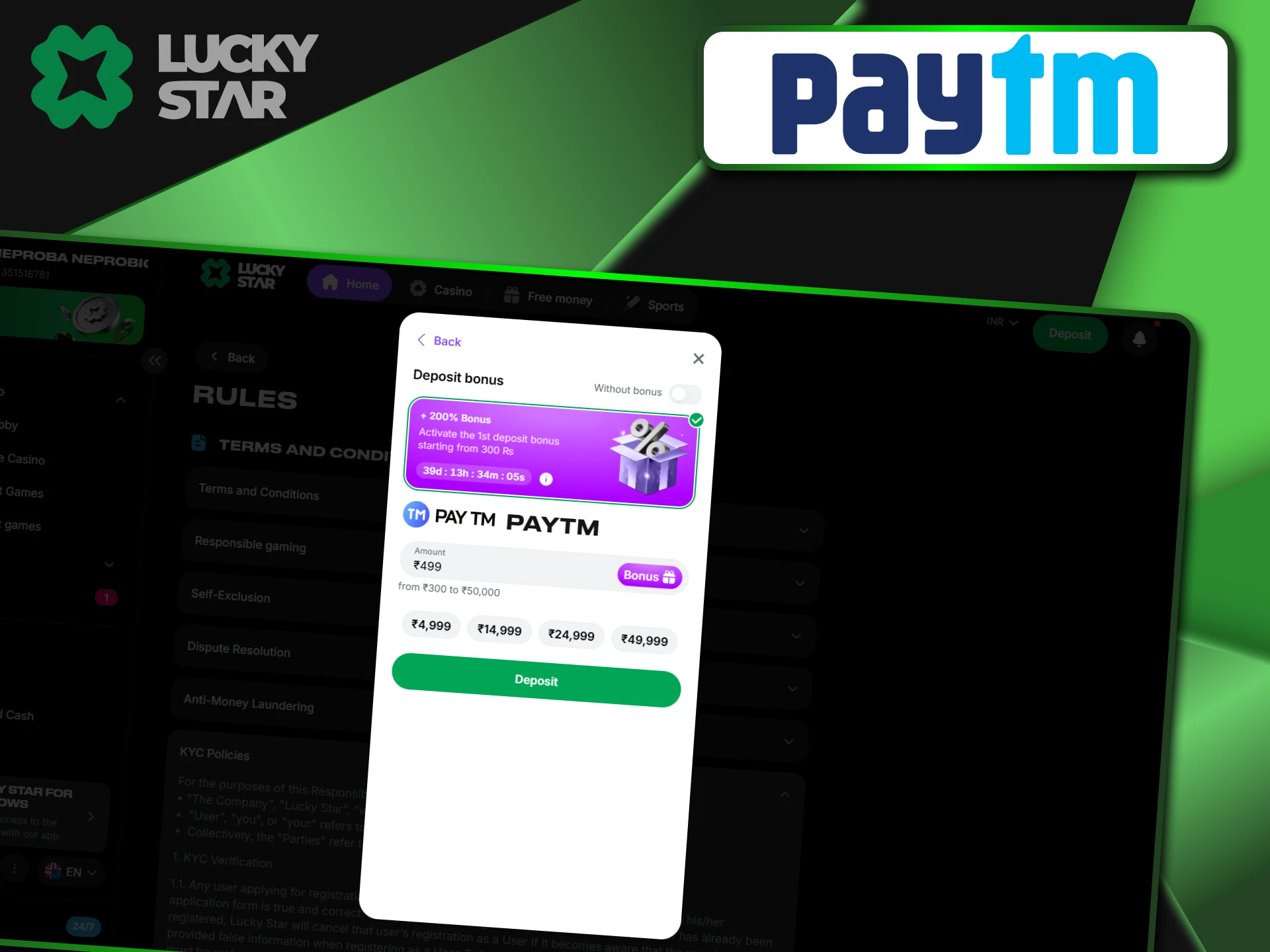
The Critical Step
Pay close attention after you send the money. Many people make the mistake of closing the app too soon, which can delay the funds.
Warning: After you pay, do not close Paytm immediately. You must click “View Details” on the successful transaction. Locate the 12-digit code labeled “UPI Ref No” or “UTR.” Copy this number, return to the Lucky Star page, and paste it into the confirmation box. This step tells the system that your payment is real.
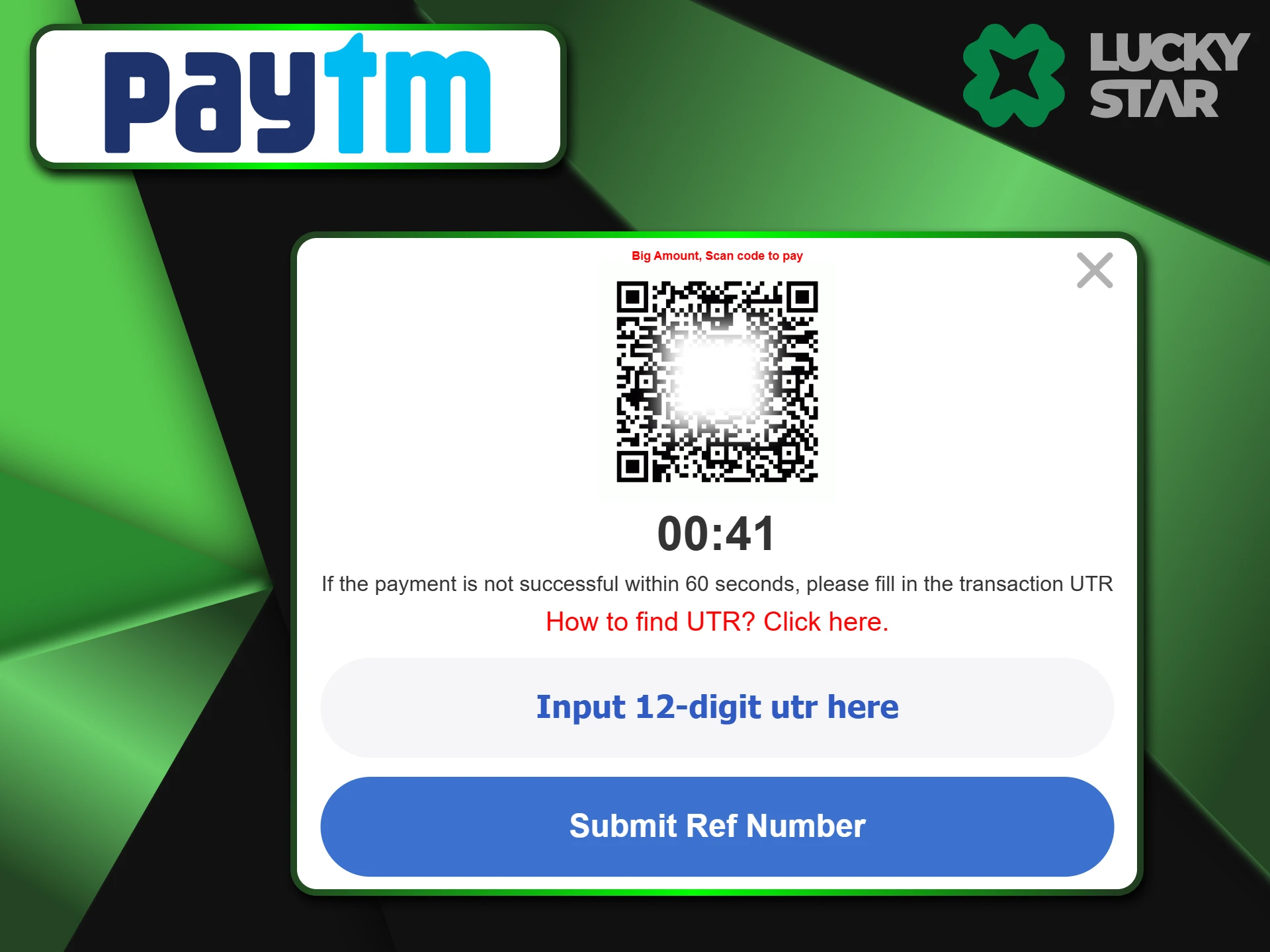
Depositing via QR Code
If you use a computer to play, you can choose the QR code option. A code appears on the screen which you scan with your phone. Once you scan it and pay through your Paytm app, you still need to provide the UTR number. This is a very fast way to bridge your phone and your PC.
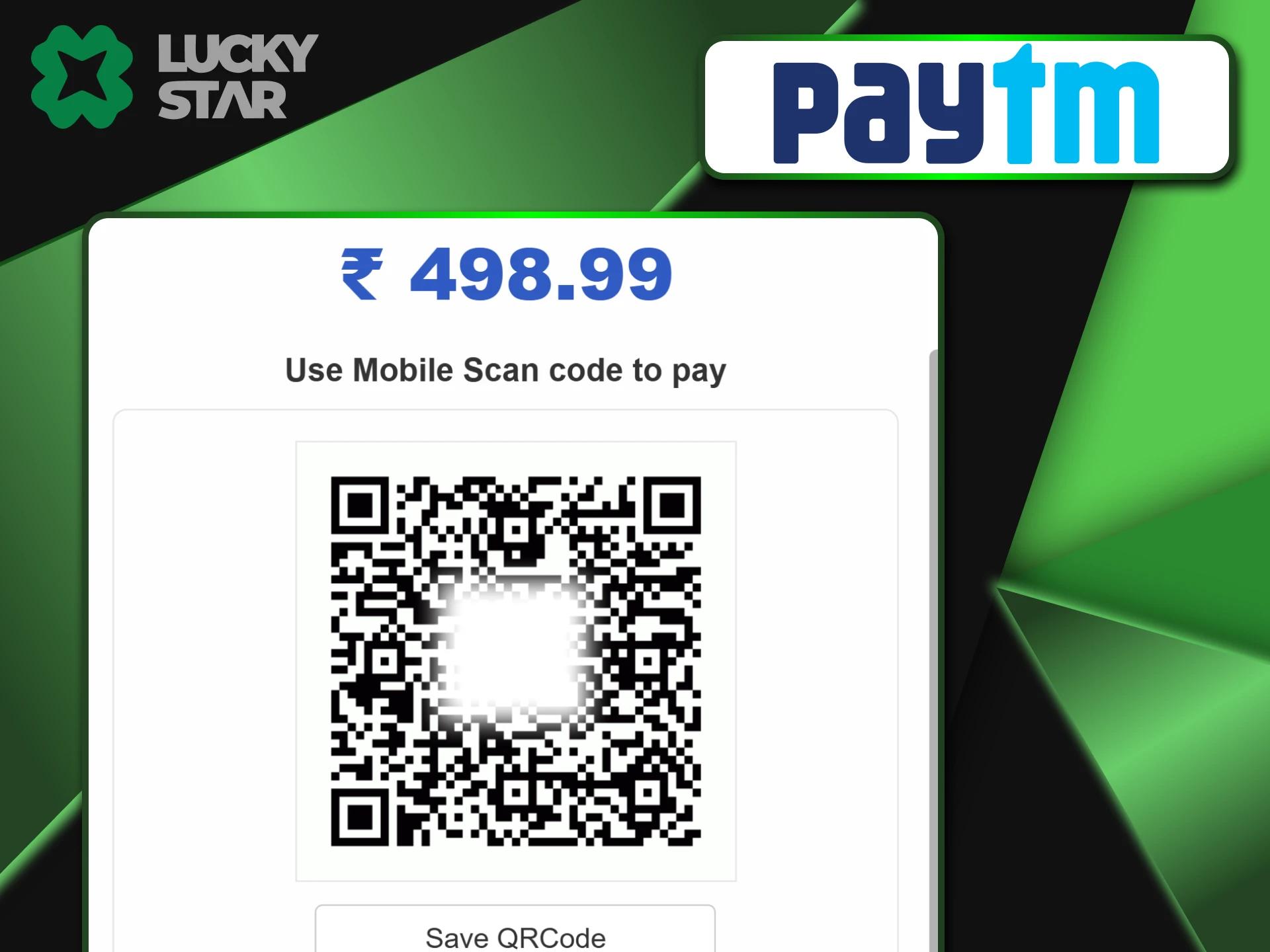
Depositing via Paytm Wallet
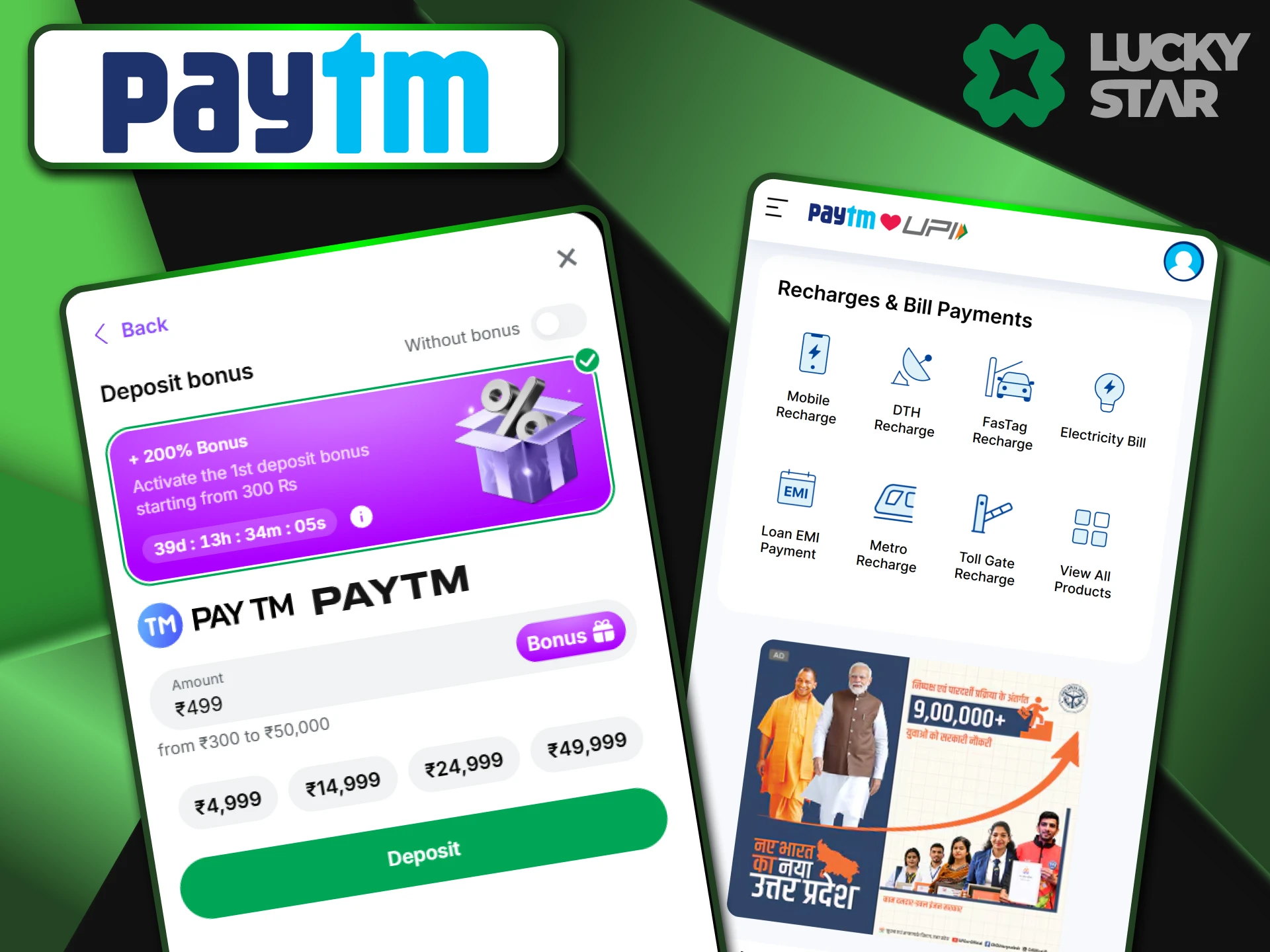
If you keep your cash in a digital wallet rather than a bank, this option is for you. Simply pick the “Wallet” method in the Lucky Star cashier. You usually need to log in with your mobile number and enter an OTP code directly on the site. This keeps the transfer secure. Just keep in mind that wallet limits are often lower than UPI. Always check your current Paytm balance before you start the process.
Buying Crypto with Paytm
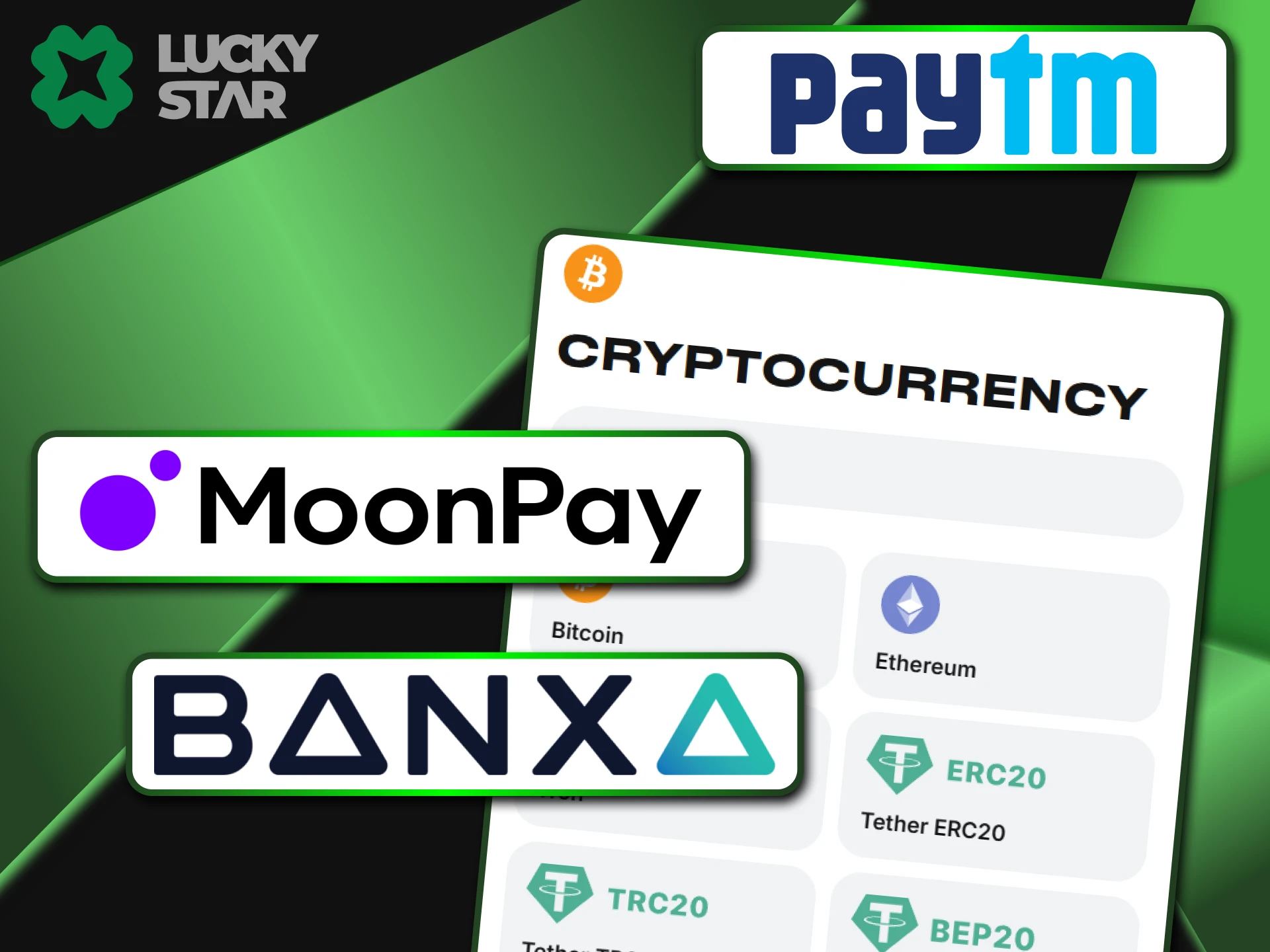
Lucky Star serves as a bridge for players who want to use digital coins but only have a Paytm account. You can buy BTC or USDT through trusted partners like MoonPay or Banxa right inside the site. This is a smart choice because it offers much more privacy than a standard bank transfer. Once you hold crypto, your future withdrawals become nearly instant. It is a great way to avoid bank delays and enjoy higher limits on your winnings without any extra hassle.
Withdrawal to Paytm Account
Getting your winnings back is just as simple as the deposit. You have two main paths to choose from when you want to cash out your profit.
Withdraw via UPI ID
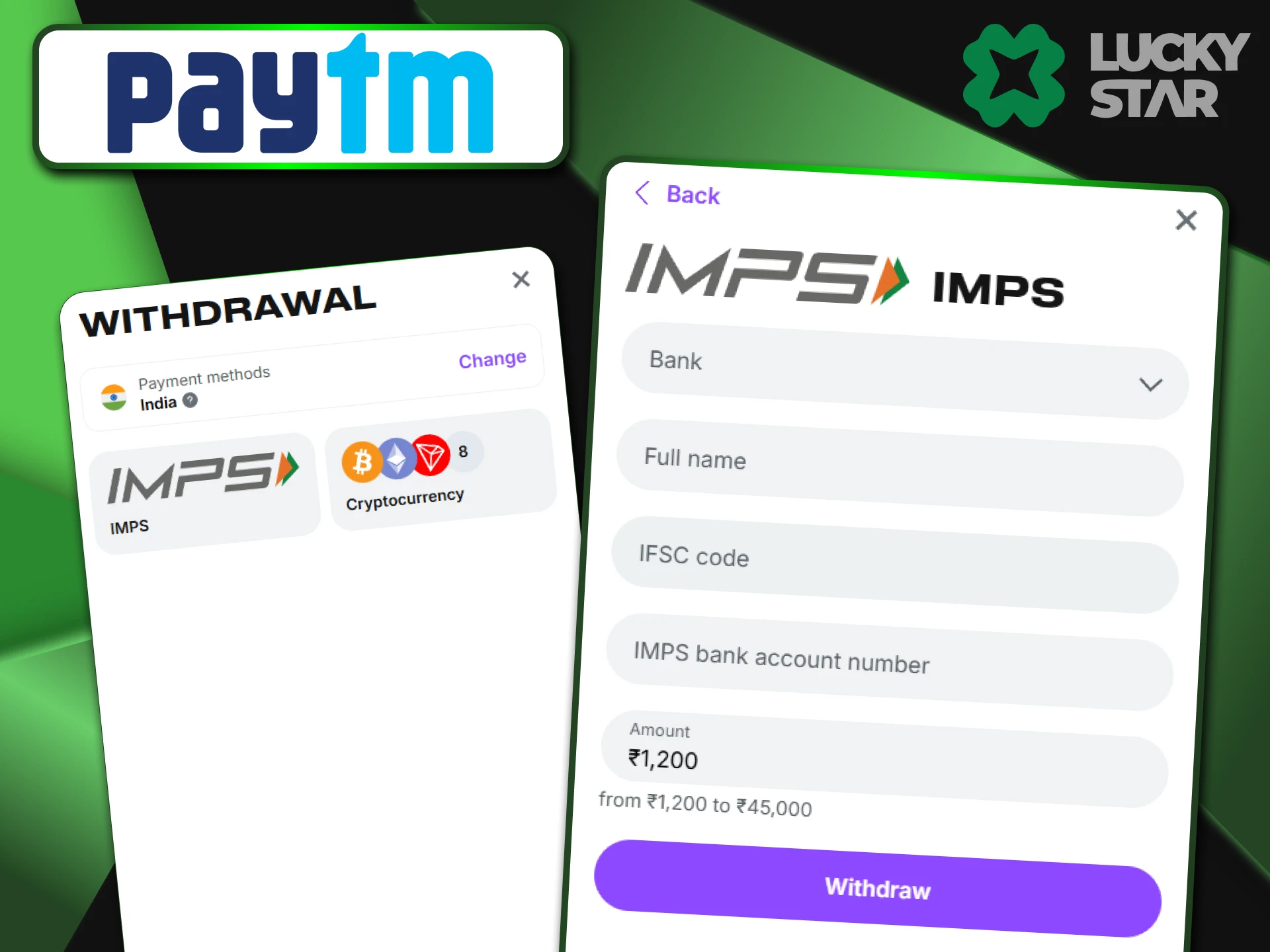
This is the fastest path for most users. Enter your VPA, which usually looks like your phone number followed by @paytm. The money goes straight to the bank account linked to your app. For a smooth transfer, make sure the name on your bank account matches the name in your Lucky Star profile.
Withdraw to Paytm Wallet
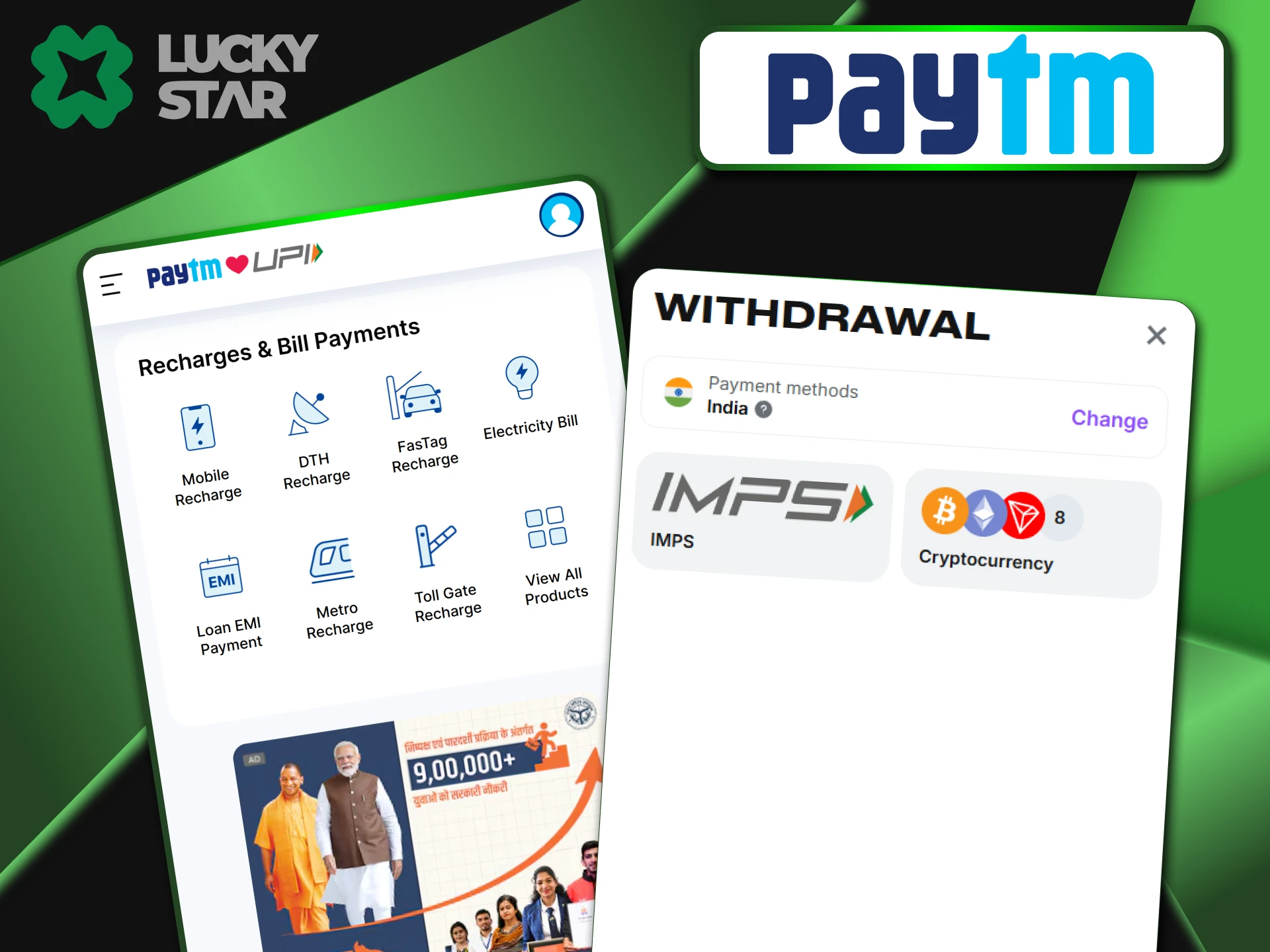
Sometimes you can send money directly to your wallet balance. This depends on the current payment gateway available on the site. To use this, your Paytm account must have full KYC verification. If your wallet has limits, the transfer might fail, so check your Paytm status first.
Troubleshooting Issues
Even the best systems face occasional hiccups. If a transfer fails, first check your internet connection and bank balance. Most errors happen because of a busy server or a hit daily limit. If your cash leaves your bank but stays off your profile, contact the support team with a screenshot.
“Payment Failed” in Paytm App
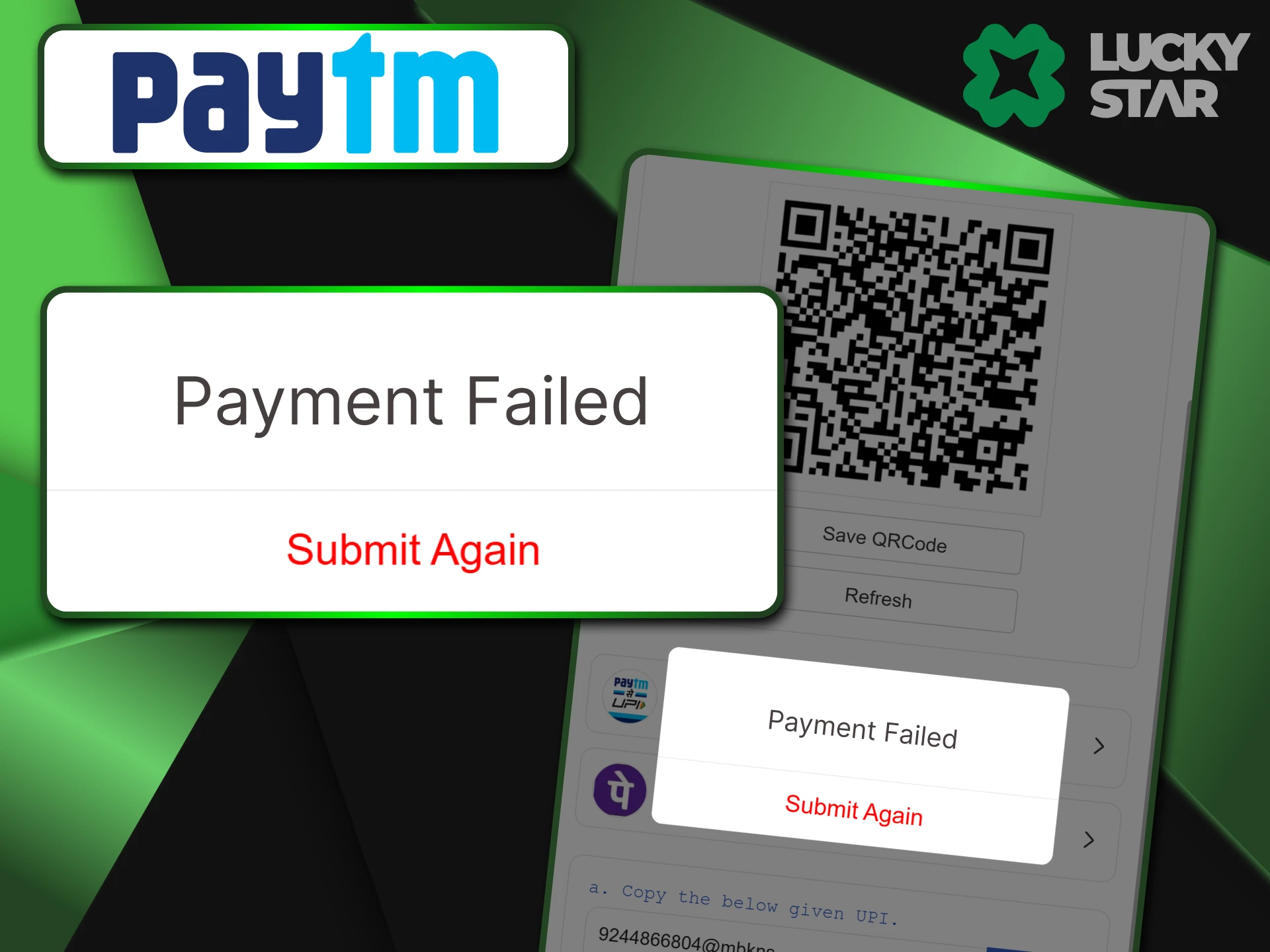
This often happens if the bank servers are busy or if you reach the 100,000 INR daily UPI limit. If this occurs, wait for about 15 minutes and try again. You can also try to use a different bank account that you have linked inside your Paytm app.
Money Deducted but Not Credited
If your bank balance went down but the Lucky Star account is empty, do not panic. This usually means the system missed the UTR number.
- Take a clear screenshot of the payment receipt.
- Make sure the 12-digit UTR is visible.
- Open the Live Chat on the site.
- Send the image to the team and mention “Missed UTR.”
Invalid UPI ID Error
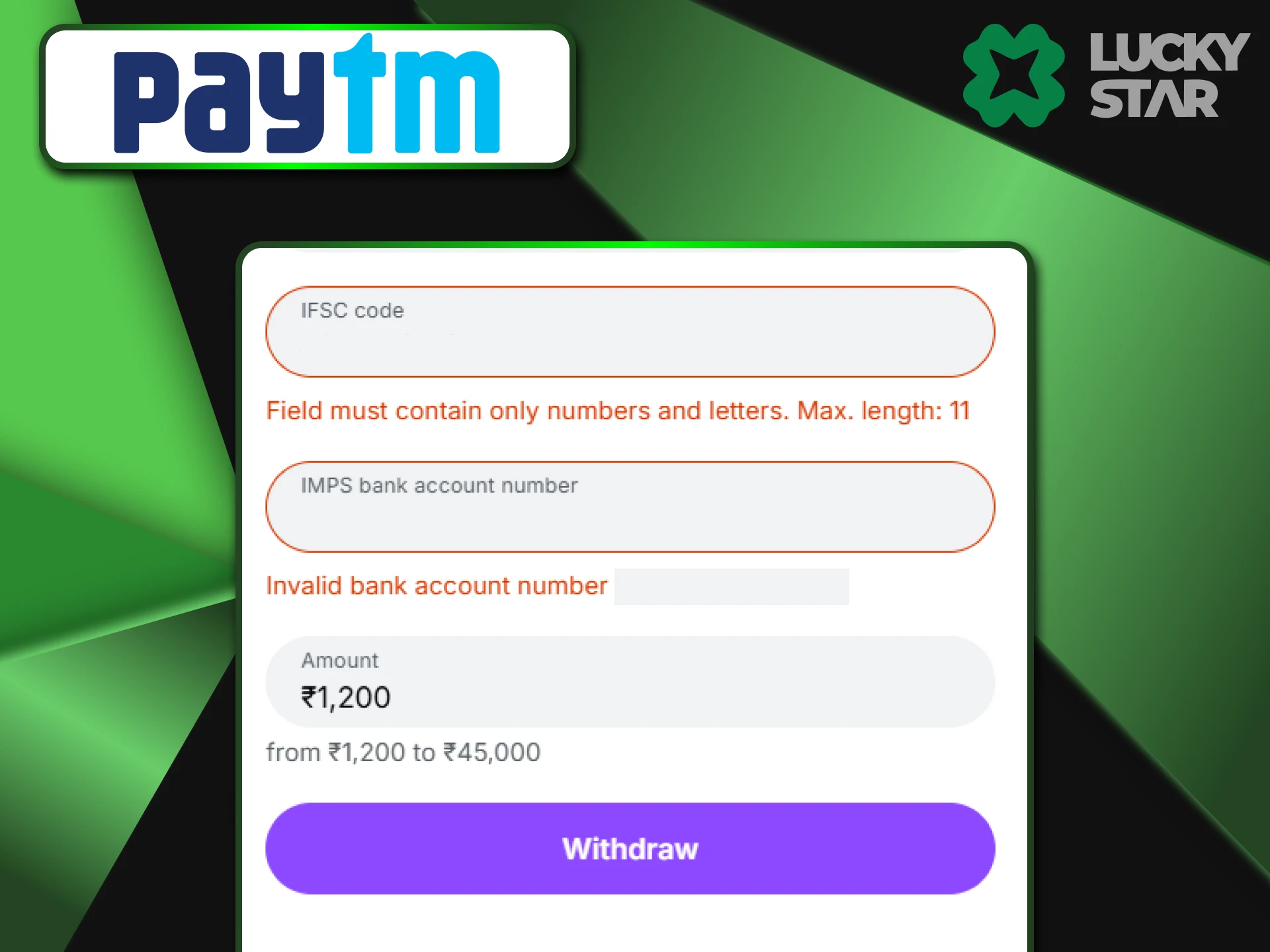
UPI IDs for the casino change often to keep the system fast. Never save a previous ID in your contact list or beneficiaries. Every time you want to add money, always copy a fresh ID from the Lucky Star deposit page to avoid sending funds to an old account.
Security of Paytm Transactions
Your money stays safe because Paytm follows all RBI rules. Every move you make requires a PIN or a biometric check on your phone. Lucky Star also uses SSL encryption to hide your data from outsiders. When you withdraw, the site often asks for phone verification to make sure no one else can take your winnings.
FAQ
Is there a fee for Paytm deposits?
Lucky Star does not charge any fees. Paytm might charge a small fee only if you use a credit card to fill your wallet.
Can I use Postpaid balance?
No. Gaming sites do not accept credit-based funds. You must use your actual bank balance or wallet cash.
How long does withdrawal take?
Most UPI withdrawals arrive within 15 minutes to 4 hours, though it can take longer during bank holidays.
Where to find the UTR number?
Go to your “Balance & History” in Paytm and tap the transaction. The code is under “UPI Ref No.”
Minimum deposit amount for Paytm?
The current minimum for this method is 300 INR, maximum deposit 50,000 INR or 100,000 INR, depending on the active gateway.
Updated:
Comments